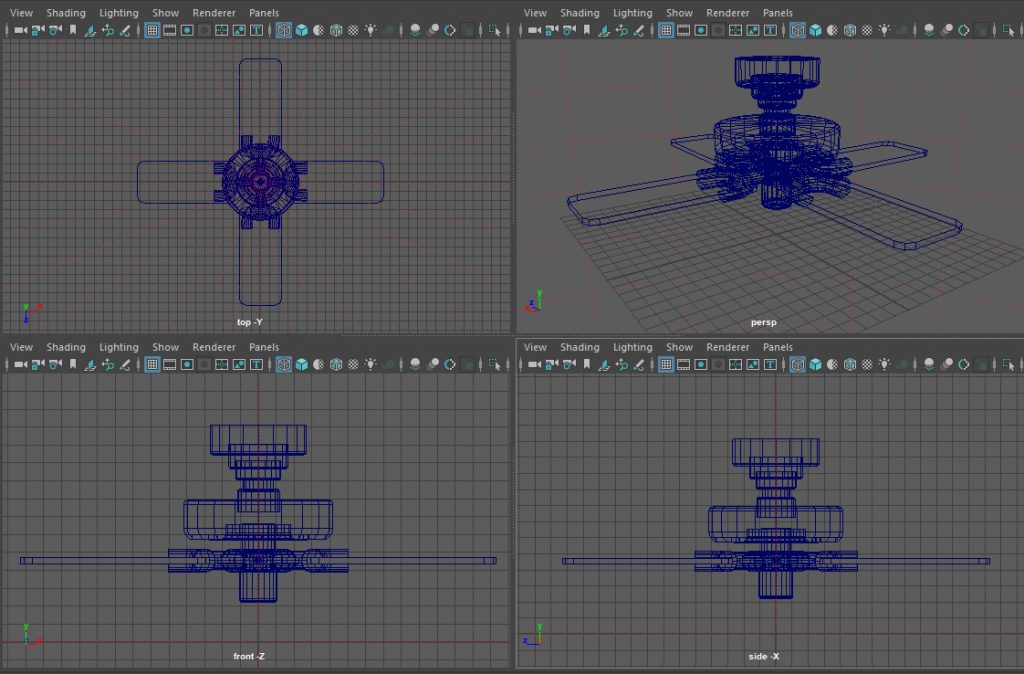
My seventh model consisted of a ceiling fan.
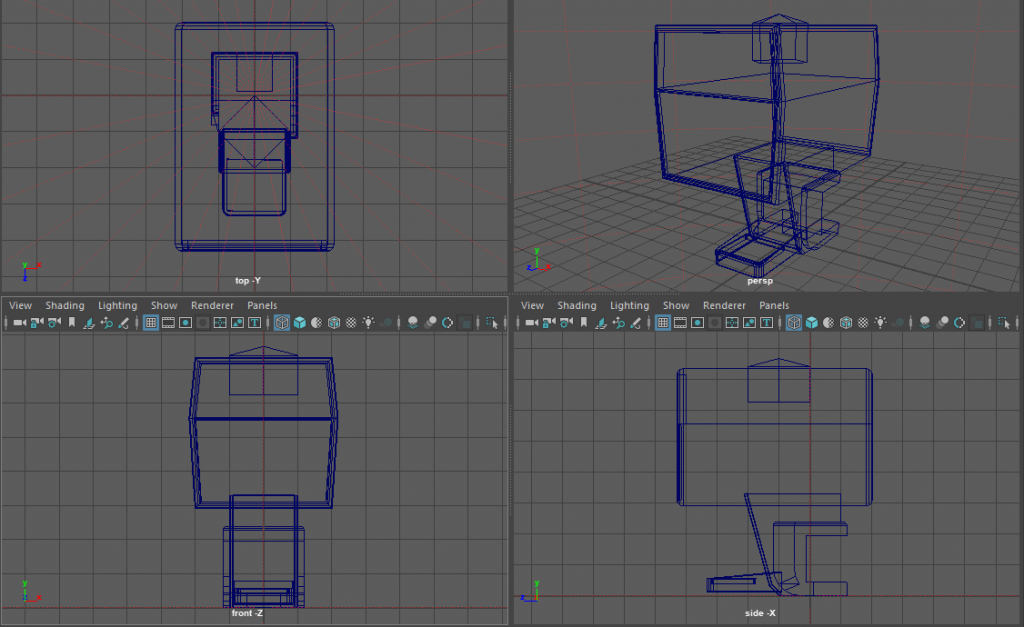
My eight model consisted of a soda machine.
 StoryBook Games
My seventh model consisted of a ceiling fan.
My eight model consisted of a soda machine.
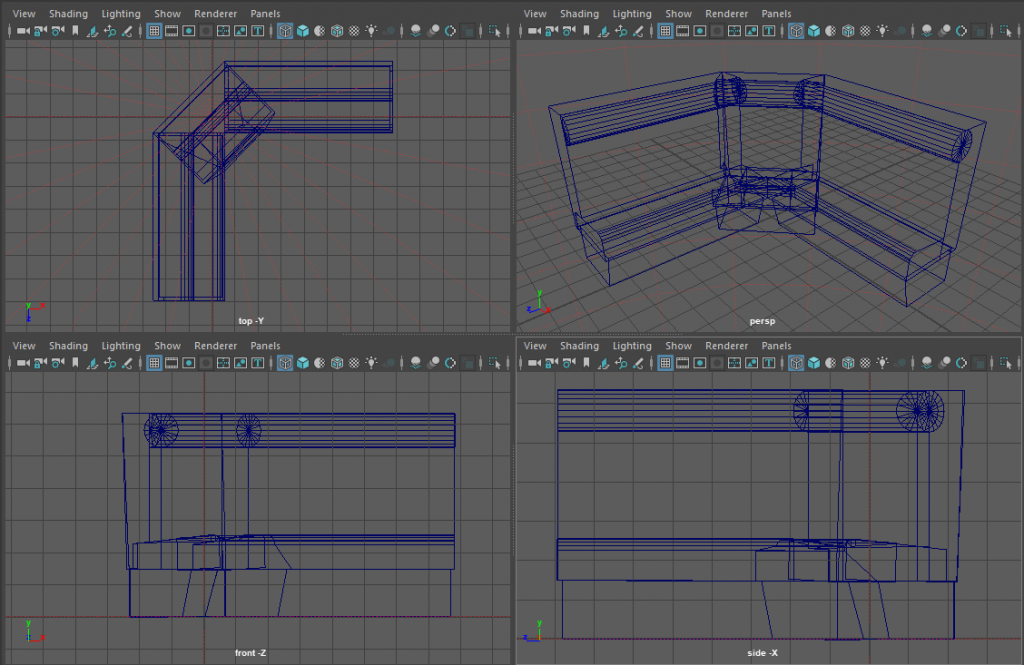
My fifth model was a booth chair.
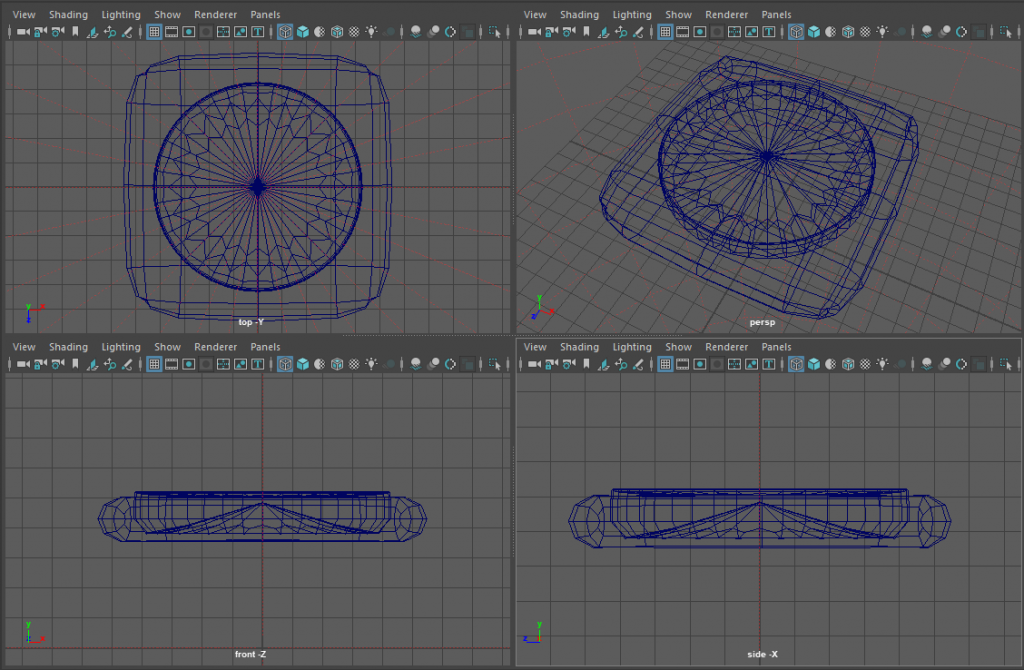
My sixth model was a clock.
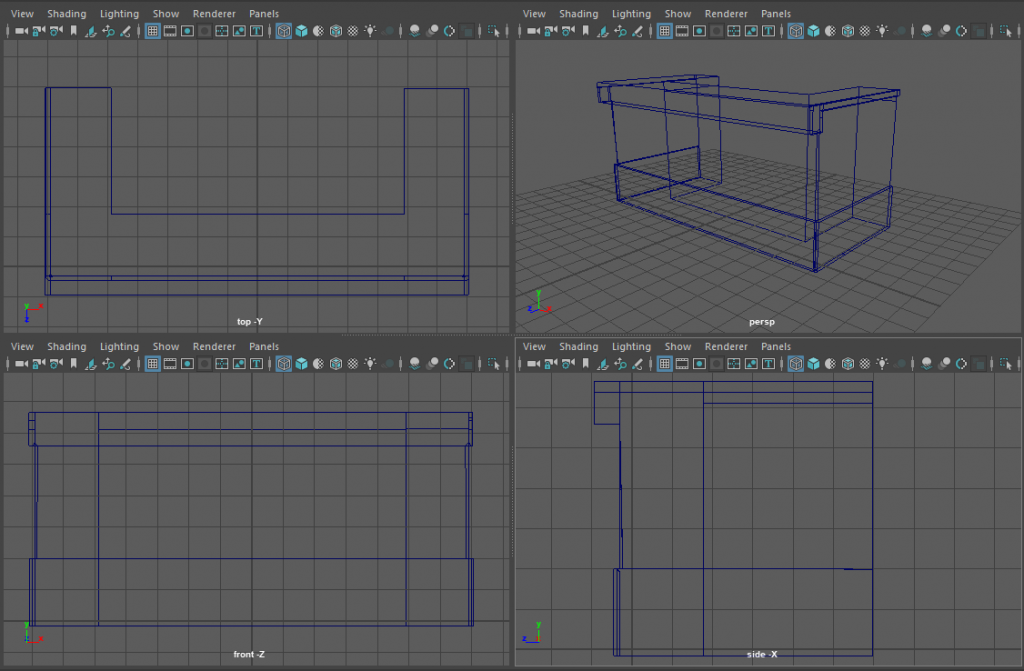
My third model was a bar.
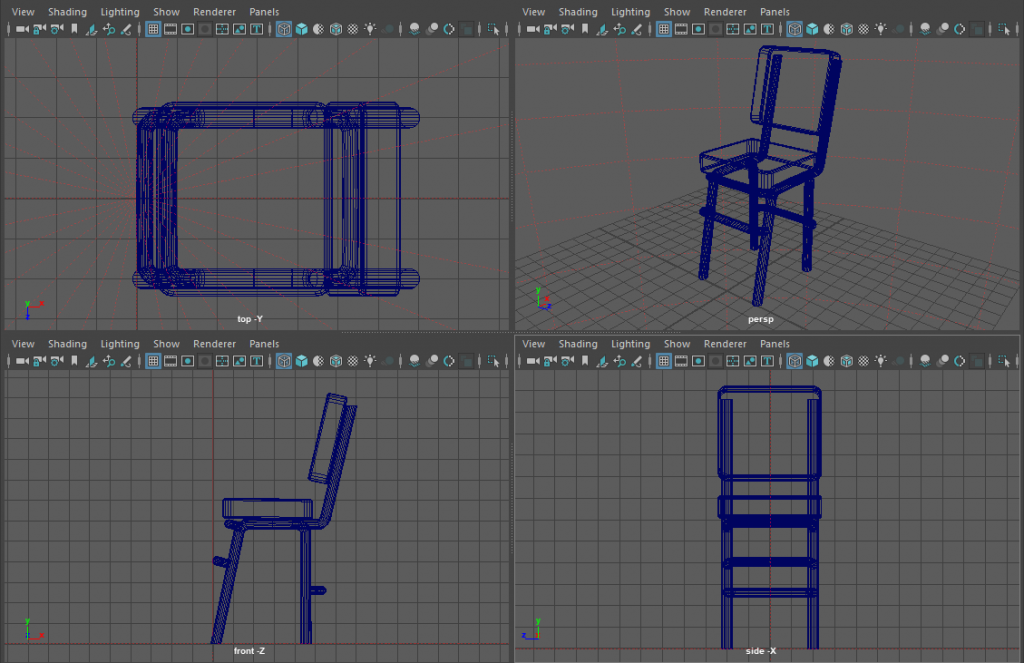
My forth model was a chair.
This assignment consisted of being put in a group of 4 people and needing to not only create 10 of our own models but also decide on the theme that our group would undertake. Our team decided on a 1950’s diner, which I feel as though I embodied with my 10 models.
The first two models that I created were made originally from using nurbs and curvs and then converting into polygons at a later point.
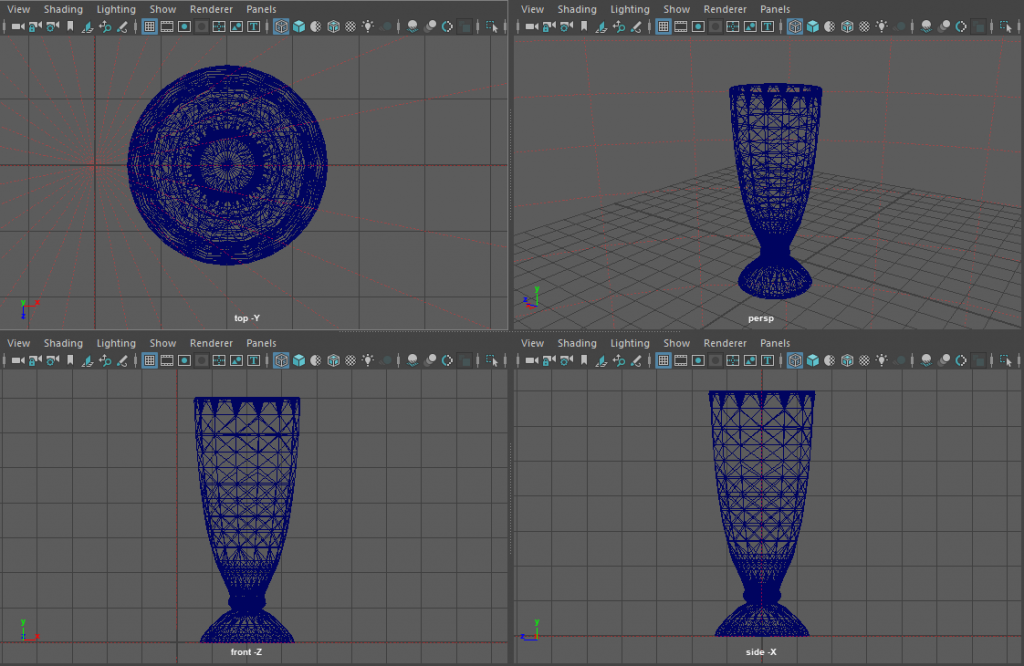
The first model that I created was of a milkshake glass. This caused me a lot of issues and problems during the creation of it.
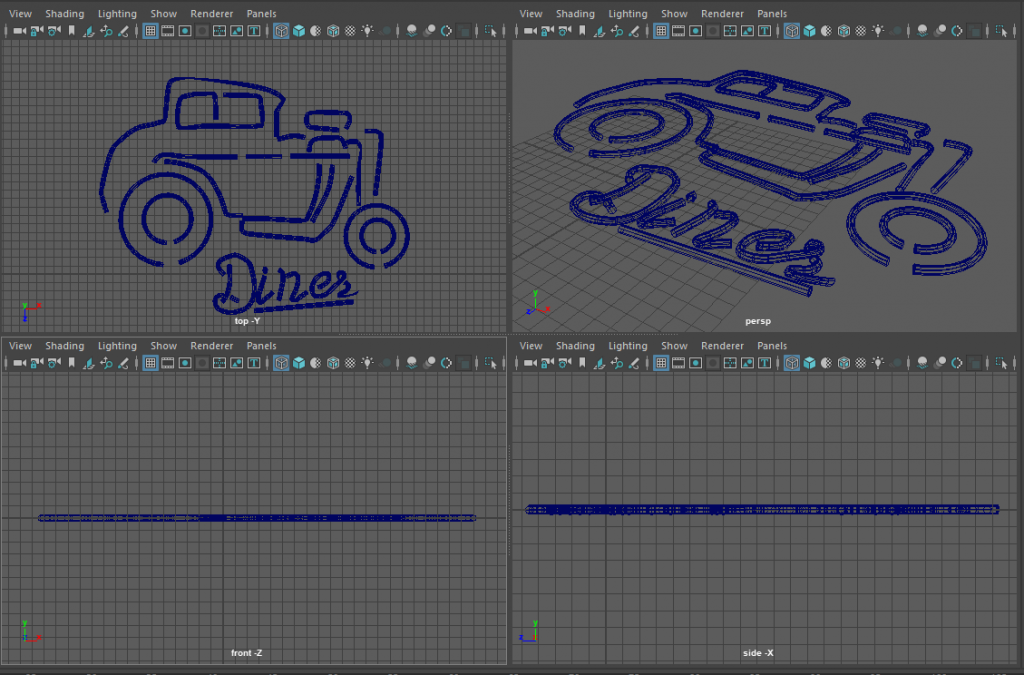
The second model that I made was of a neon sign. This also had a lot of issues during the creation of it.
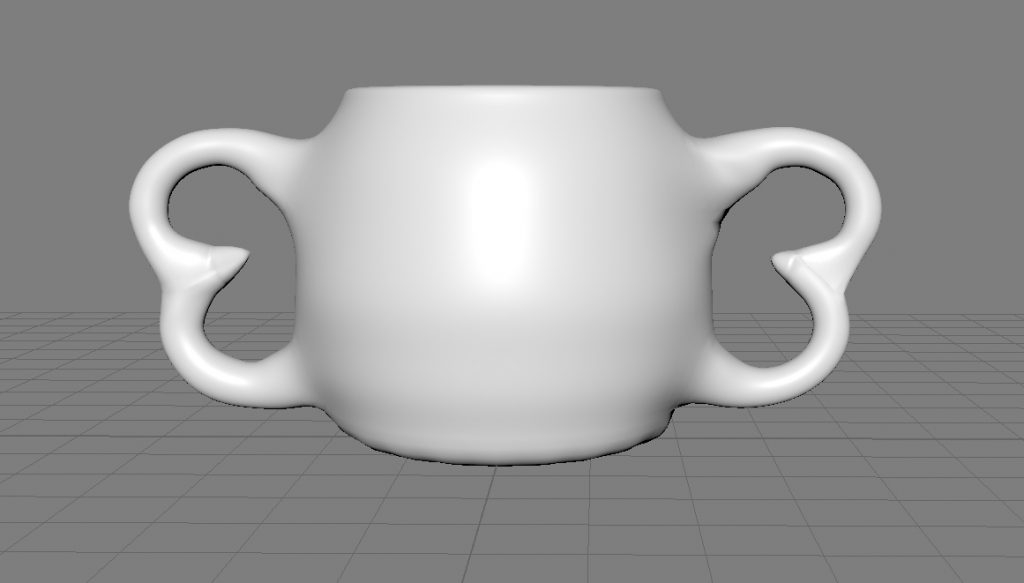
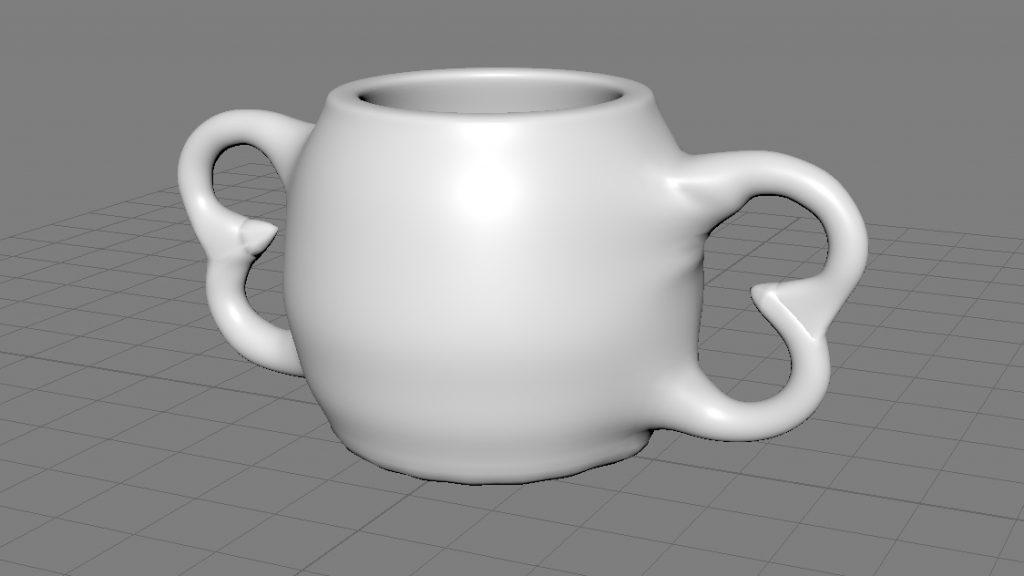
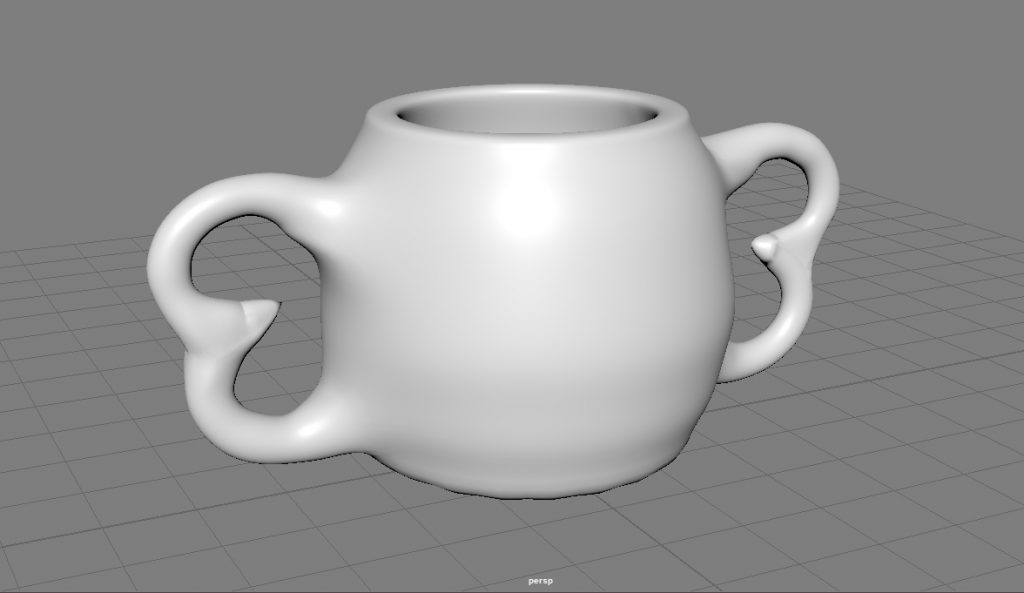
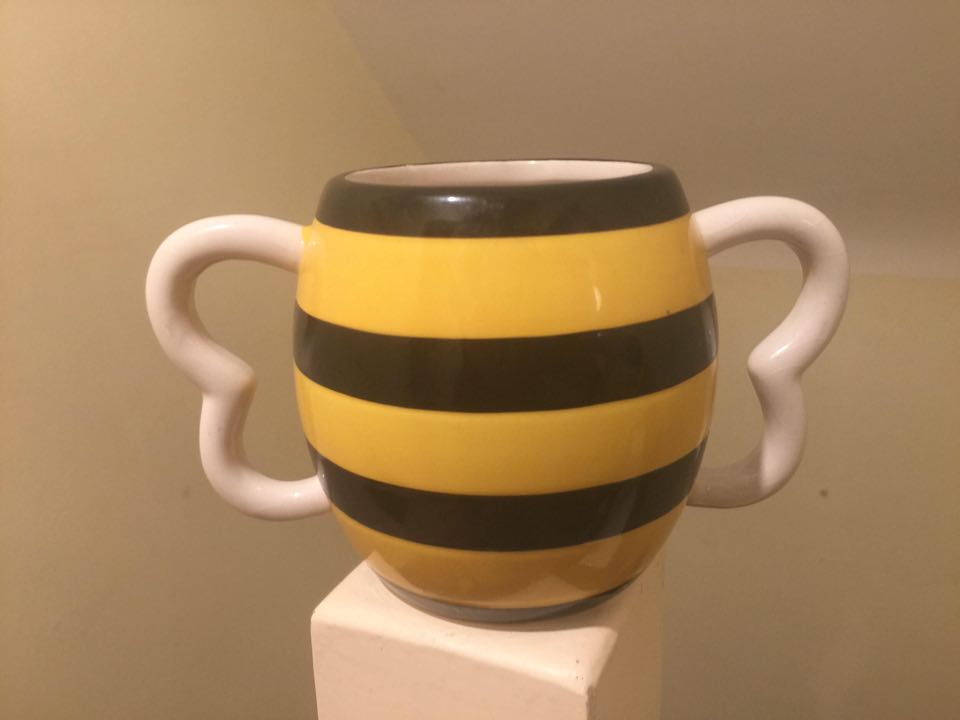
This was my first Maya based project which I believe came out fairly well. It took me about 4 hours to make as I was still getting used to the controls and the overall feeling of the software itself, whilst also trying to push myself and make a mug I was happy with.
I started off by first creating a cylinder and deleting the top face of it. This allowed me to have the base structure of the mug. I then continued to add an edge loop, which allowed me to smooth the top and bottom of the mug by pressing three on the keypad and in turn creating a bevel. I then proceeded to use the extrude tool to increase the thickness of the outer face.
I then used the vectors of the cylinder and widened it into a spherical shape, this involved me highlighting each vector layer as an individual movement. I then went through a lot of struggle with creating the handles of the mug, from trying to use only 2 torus’s to adding: a cone, a torus, a sphere, and a cube. The torus just didn’t fit right no matter how I moved it. I also tried to delete some faces on the torus’s and merge them together which resulted in it just mashing and twisting together. I then used a sphere which worked to a point but I still wasn’t happy with the end result. This led onto the use of a cube, I thought that it might give me the pointed look and feel that I wanted to, but even after adding multiple edge loops to it to it still didn’t meet the standards that I wanted. I finally ended up on using a cone, I had already attempted using a cone and the end result wasn’t great, but the second time that I ended up using it was different, by this point I’d gotten up to the part in the video about the use of merging vectors, this method worked much better in my opinion and allowed me to get the look I wanted.
After I was happy with the handle I copied and pasted it so that I could use it on both sides of the mug. I then started on attaching the two handles to the mug, this took a while as I repeatedly kept attaching the wrong vector points together.