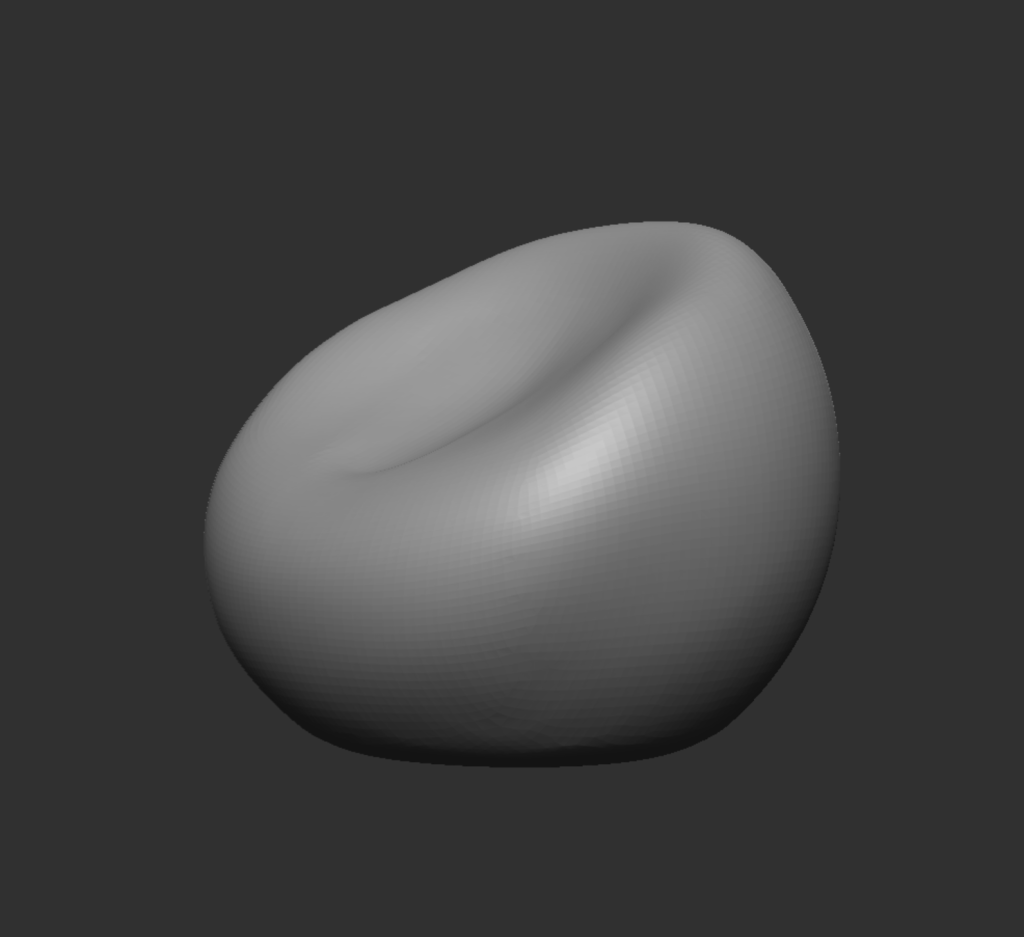
During planning we decided what we were going to need to make to populate the café itself. The things that we decided that I’d make consisted of: A ipad/kiosk, the filament 3D printer and a bean bag. Then after I finish the models I’ll start work on the website itself.
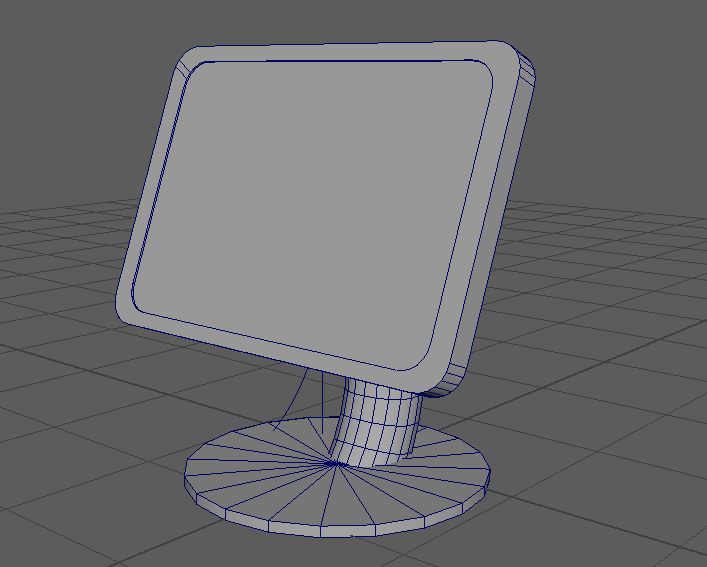
To start off I created the kiosk. I initially started by looking up some references for it and finding one that looks good and would fit the vibe of the café itself, whilst also being a good price as if we were actually going to buy it for the café itself. After I found one that I liked I opened up maya and started up.
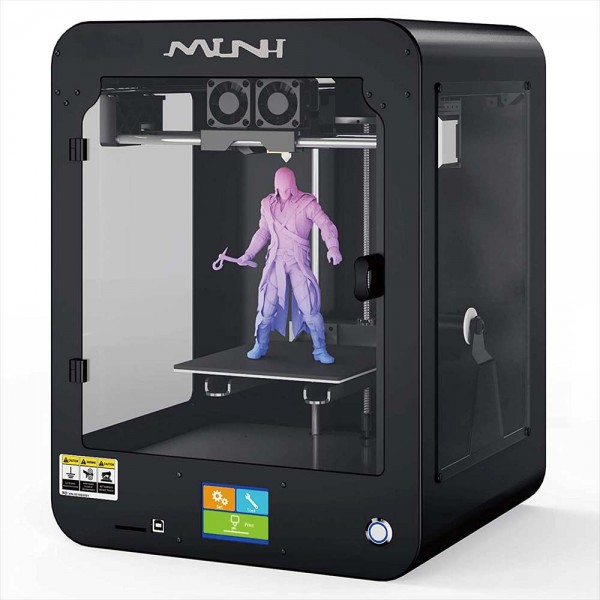
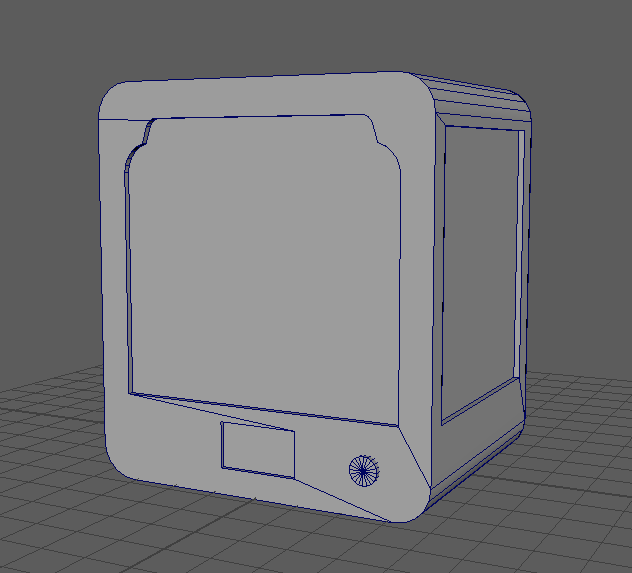
I then started to create the next model, this one being a 3D printer. With this one I also looked not only at the price, but the size of it itself as well as the user accessibility for other people. I ended up finding a nice compact model that had a touch screen on it allowing much easier accessibility. I then once again booted up maya and started making it again.
And then finally I decided to create the bean bag itself. This one was both easier and harder in different ways. It was easier as bean bags themselves are a lot cheaper and obtainable than kiosks and 3D printer, though it was harder as I originally tried to create it in maya, which didn’t go great. I ran into a lot of issues with maya as the software is a lot better for creating rigid and sharp edges and a bean bag is neither of them. So after about 3 attempts failing I decided to go to ZBrush instead managing to create a low poly version of a bean bag on the first attempt.