
Categories
Development Log

Level Design Sketches

The designs for the Levels

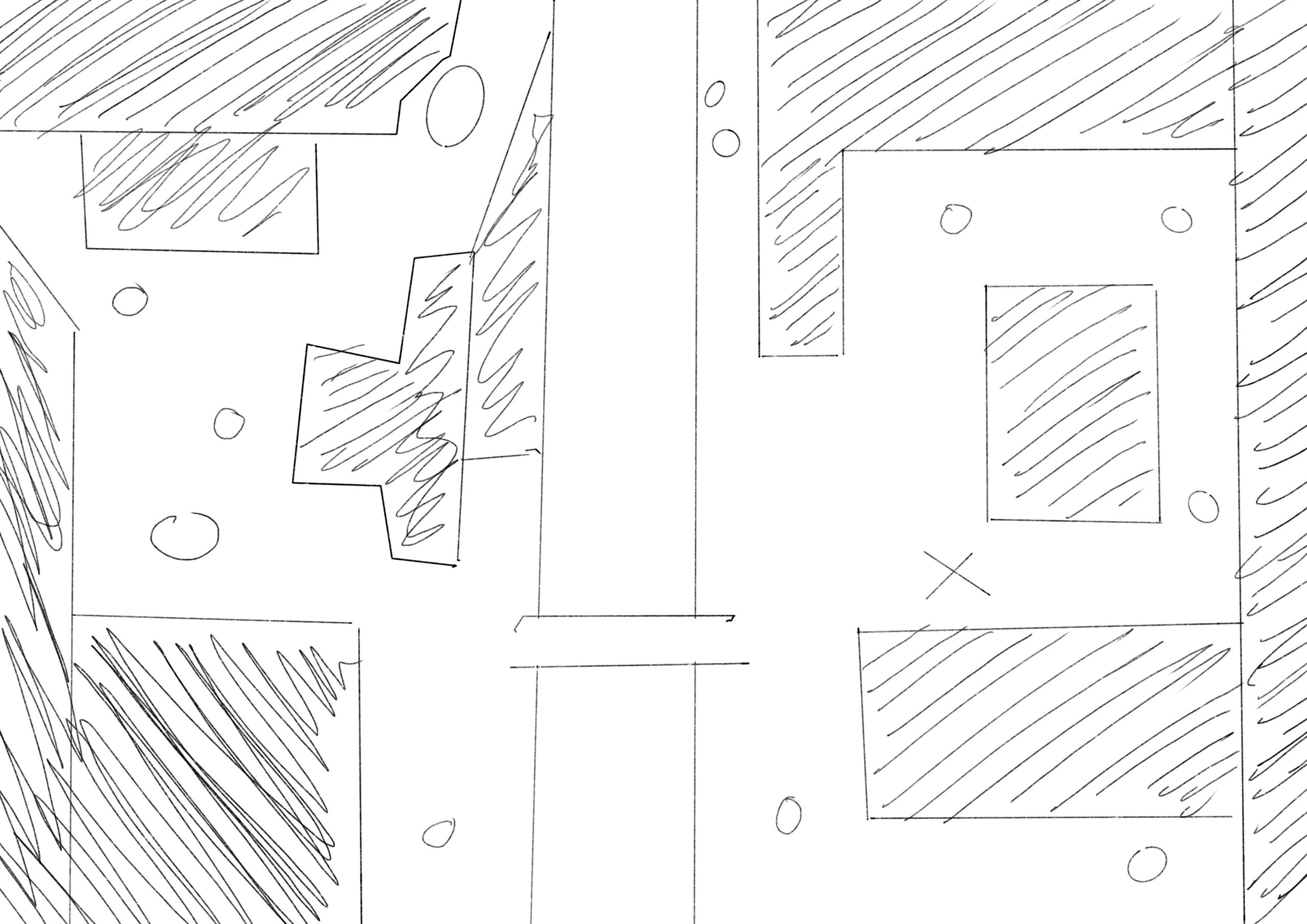
The image above shows the rough layout that I have planned for the top down shooter. This will be a linear level that will allow the player to make they’re way from the the right side of the map (Where the X is) to the left side of the map to the portal in the top left corner. The small circles are enemies that will attempt to attack and stop the player as they attempt to escape this world.

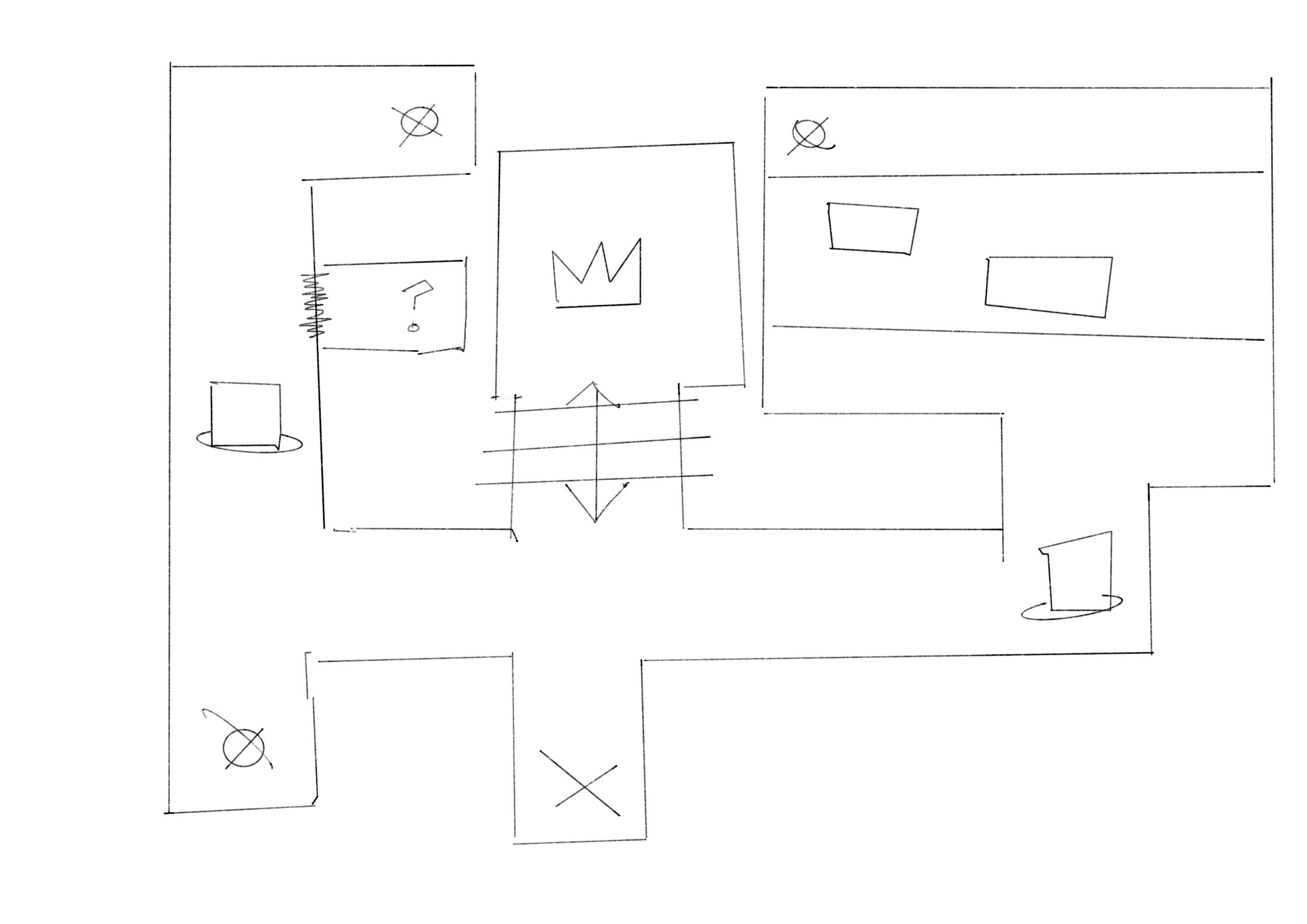
The image above shows the rough layout for the first person shooter. This design is inspired by both the original Doom as well as Wolfenstein 3D, having a linear and tight rooted pathway with the occasional enemy whilst needing to retrieve coloured keys to open the doors that allow you to finish the level. It will even have a secret in the level to once again throw back to the classics.

Categories
Development Log

Finally Done

After a long amount of time I finally finished it. Though that’s not without somethings not getting implemented or just fully needing to be scrapped.

I sadly wasn’t able to implement animation into the Turn Based Combat, which is annoying as I was hoping I would be able too. This was due to a lack of time mixed with having issues with both Maya and Unity.

I also sadly had to scrap the entire FPS from the final product, this is because with me deciding to create a new controller output exclusive to the FPS it made it impossible to import it into other projects without a million errors popping up. Even after going the opposite way, and importing all the other projects into it, it ends up making all the other games unplayable and having only the fps playable. So to be able to hand in a functioning game I had to sadly remove it. I did however release it as it’s own level.

With the additions from what I added I feel as though the game is a lot closer to where I initially wanted it to be but still not fully there. I’m happy that I was able to add the fps into the final game after reworking the controls back to the base control, which works just as well. I’ve altered the top down so that the level doesn’t look as messy and muddy. I’ve altered it so that there’s a loading screen in between each turn based to other world and I fixed the side scroller so that you actually start at the beginning at instead of 2/3 of the way through the level.

Categories
Development Log

This coding is killing me

I have been stuck on the coding for the turn based combat for bloody ages. If it’s not one thing it’s another. First, it started off as just a couple parameters that needed changing within some scripts but as I continued to add more to the script and creating more prefabs that were needed for the project the less things worked. It turned into just errors with the prefabs, then it ended up messing up the prefabs which has in turn resulted into the project not working anymore. I don’t now what to do, it’s one day past the assignment due date and I can’t seem to get anything to work as as soon as I start the scene it instantly pauses itself coming up with the error of:

NullReferenceException: Object reference not set to an instance of an object
BattleStateMachine.EnemyButtons () (at Assets/Scripts/BattleStateMachine.cs:143)
BattleStateMachine.Start () (at Assets/Scripts/BattleStateMachine.cs:57)

But the thing is it does have a reference because it worked two minutes before hand. I just feel as though this project was something that I was going to love as it was a game that I wanted to make for so long. Instead it has resulted in me hating coding and everything to do with unity as no matter what I seem to do within the software it always ends up messing up, almost like it was destroying itself.

At this point I’ve done all the other three games, it comes down to literally it being a case of getting the turn based combat done, and then connecting them all up using the scene manager, which I can already tell is going to go terribly just from the way that things have been going so far.

I understand I shouldn’t have left it this late to finish off the major project, seeming we had a whole year to sort this out but I also know that there’s nothing I can do about that no other than hope that whatever I can create is good enough to be a pass.
Categories
Development Log

Even More Coding

Even More Code

I knew when I was going into this that there was going to be a lot of coding but I’m not going to lie. I didn’t realise it was going to be this much. I have about 3/4 of my FPS, TopDown and Platformer sorted. But my turn based I’ve only got about half done if that, and at this point I am hating to see code. But I am continuing to push through to get this project done and hand it in hopefully on time.

FPS

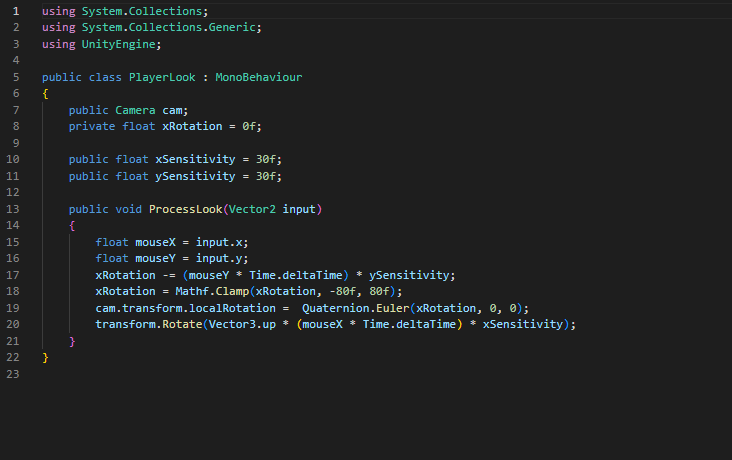
This piece of code is used to align the camera with the mouse, this allows the player to move the mouse around and control the direction in which the player is facing.

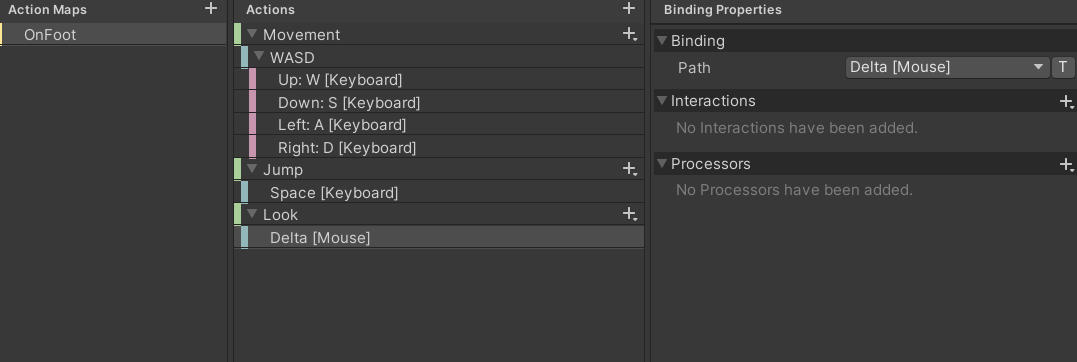
This piece of code is used to help the player not only move around the environment using ‘wasd’ but also allows the player to jump and controls the weight of said jump.

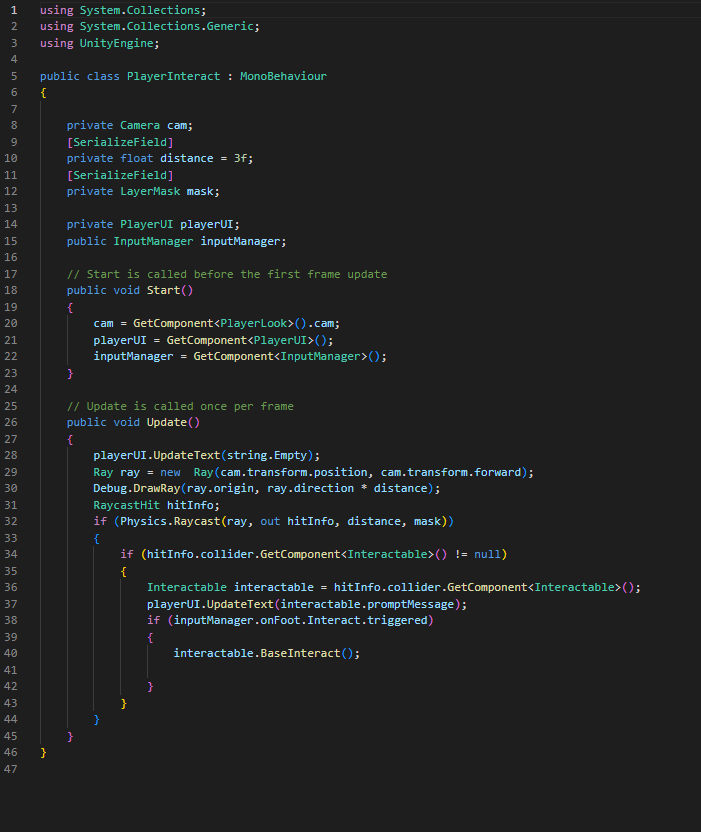
This piece of script allows the user to interact with objects by shooting out a invisible beam that knows whether or not it is colliding with an interactable object. 

This piece of script allows the player to interact with doors and open them.

TopDownShooter

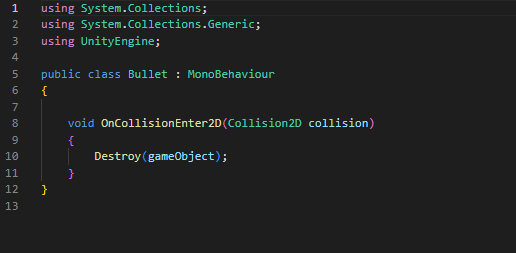
This is a simple piece of script which will be used on the enemies so that when the bullet hits them they disappear.

Platformer

This piece of code is used to control the ‘cinemachine’ and designate the boundaries that it shows and allows the player to enter.

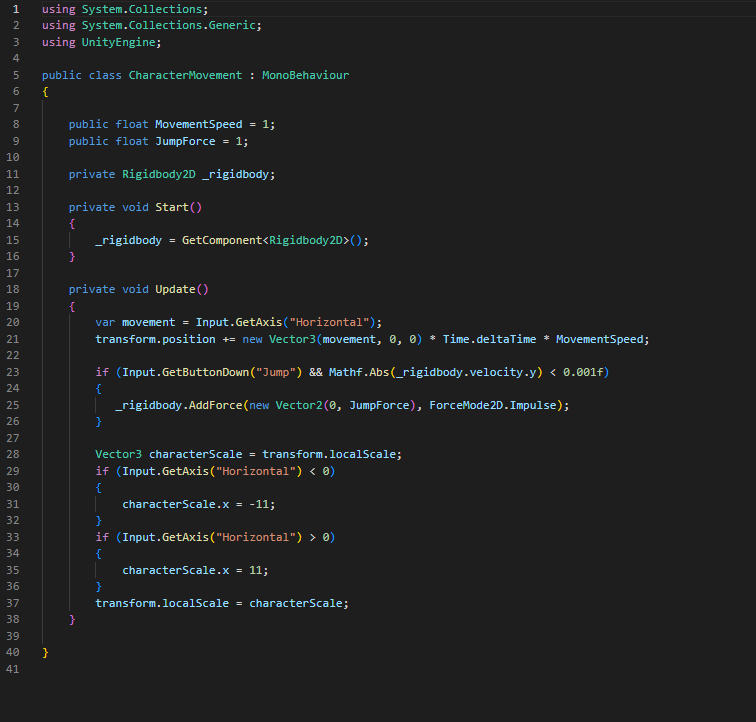
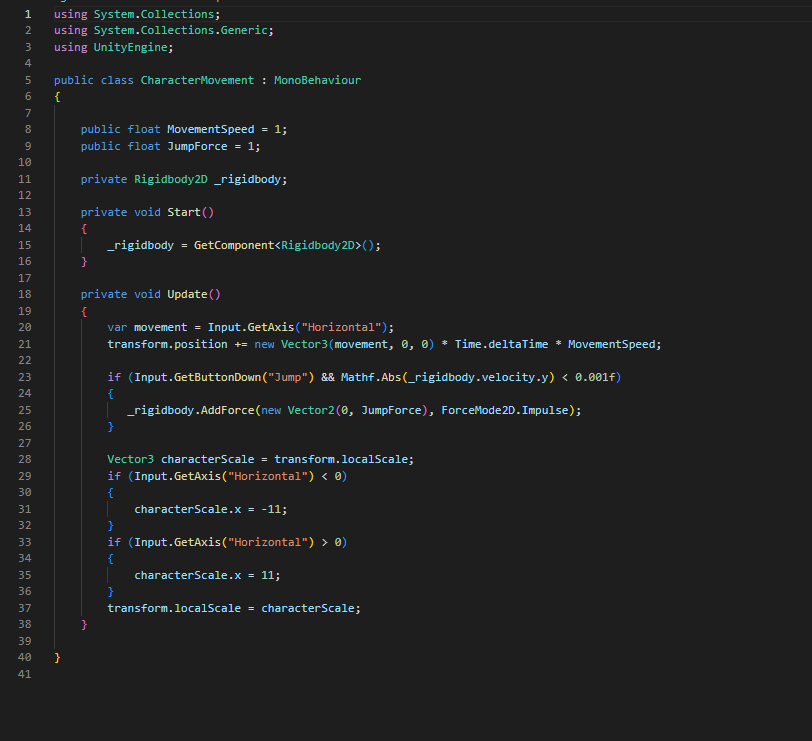
This is a simple piece of code that controls that of the player, and makes it so that the sprite changes direction depending on the movements of the player.

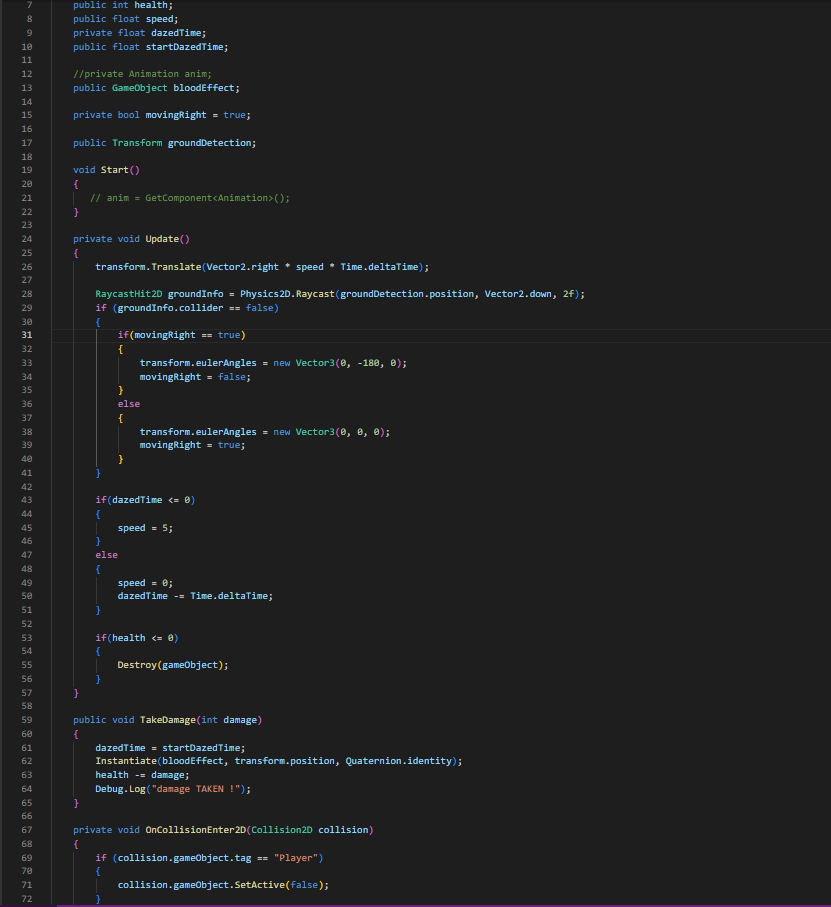
This piece of code is used to control the enemy AI. This allows them to move side to side and detect where the floor is by projecting a invisible line down. It also gives the enemy a health value and allows the enemy to take damage and disappear once dead.

This piece of code is used to transfer the character from one world to another after pressing the ‘e’ key. Though it will only work if you’re in the invisible box created by the gizmo.

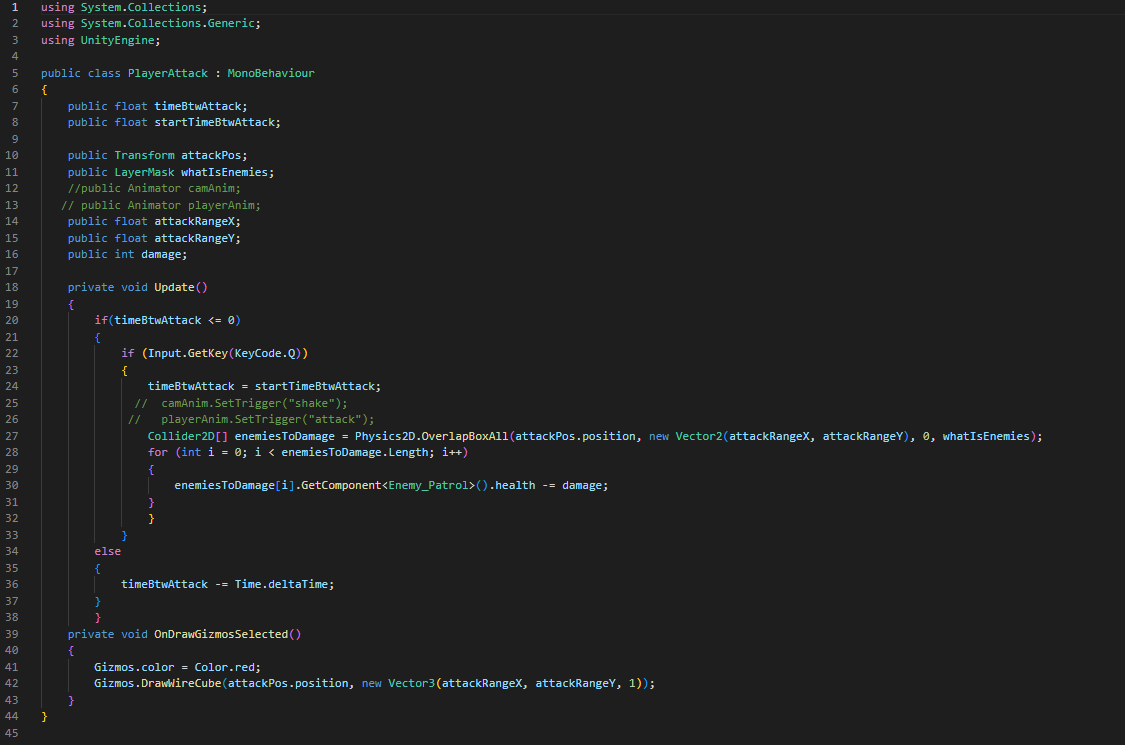
This piece of script allows the player to actually attack and sets the parameters of the attack range as well.

TurnBased

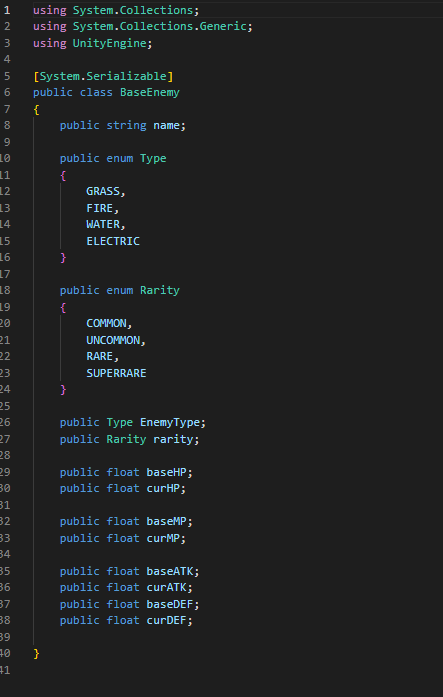
This piece of code allows us to set up and personally enter the stats of a enemy creature whilst also classifying it within a certain rarity and elemental type.

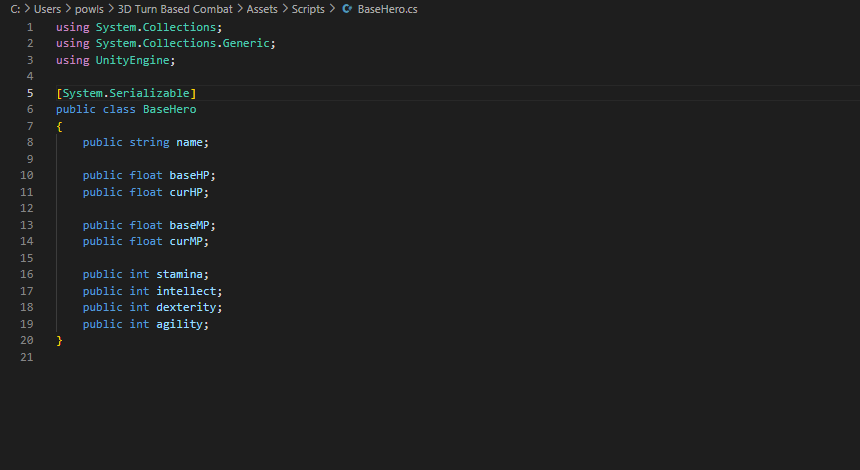
This piece of code also allows me to enter in stats but instead of it being for monsters it’s for the hero’s.

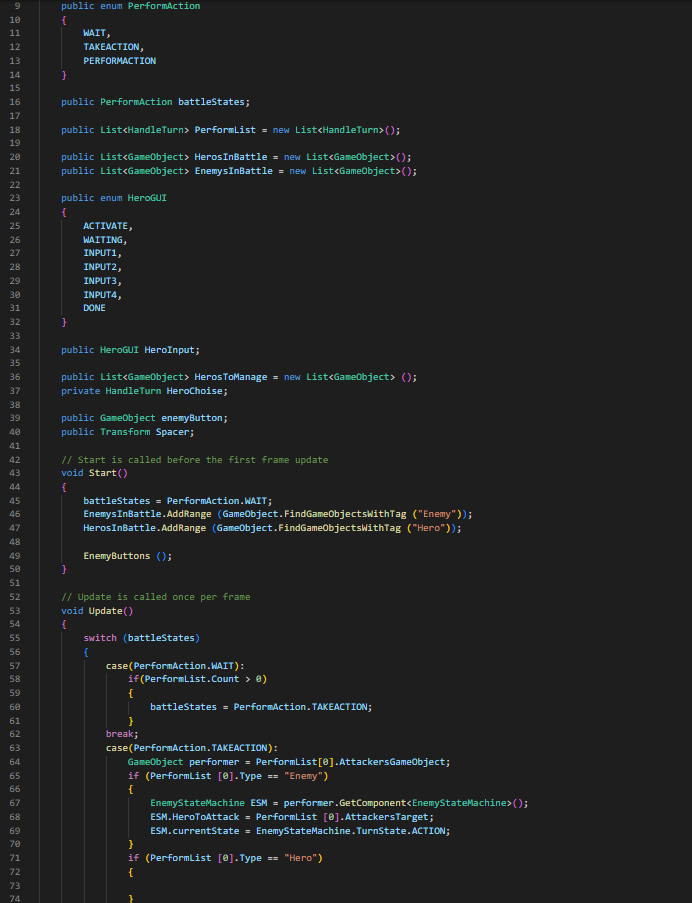
This piece of code is used to control the turn based itself. allowing the hero to choose an attack and allowing the enemy to choose an attack as well.
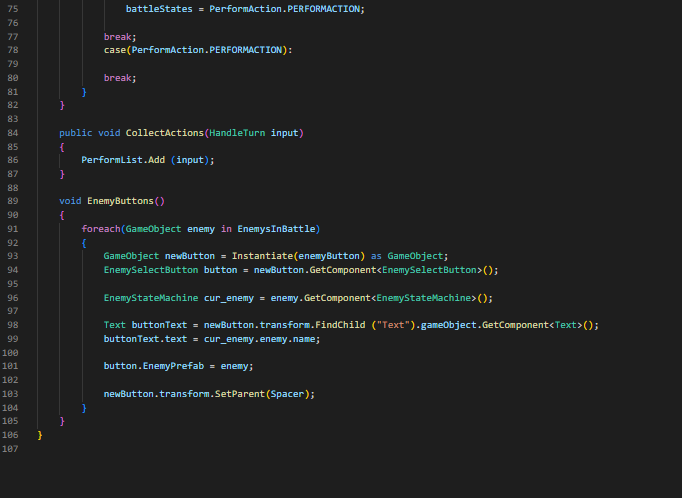
This second part of this code is used to assist with unity understanding which action is currently being done as well as what models need to move and be controlled. 

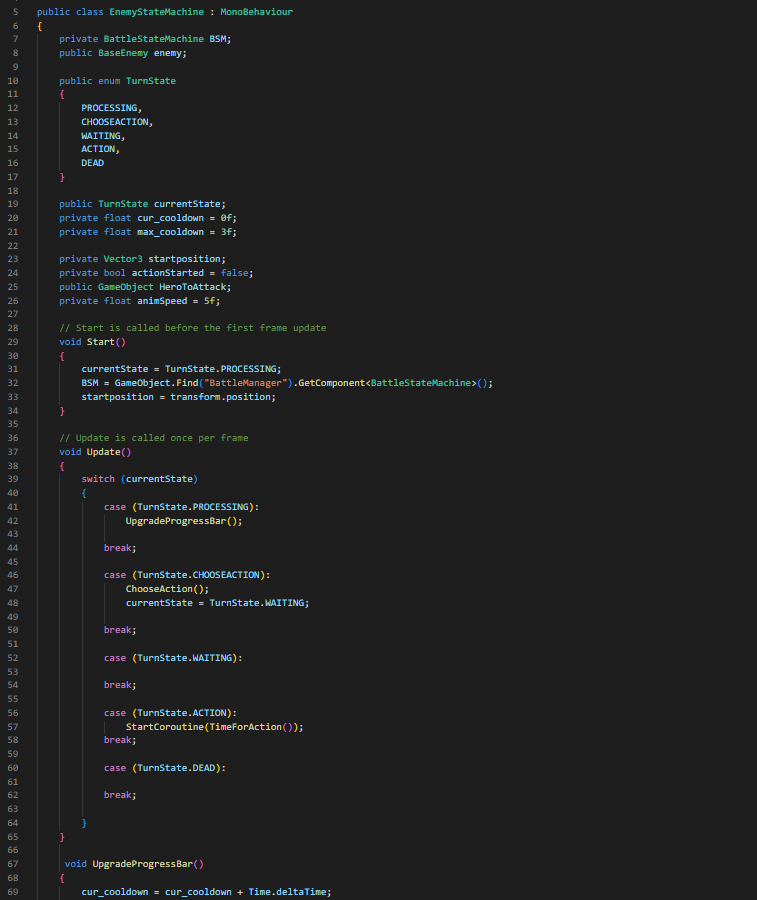
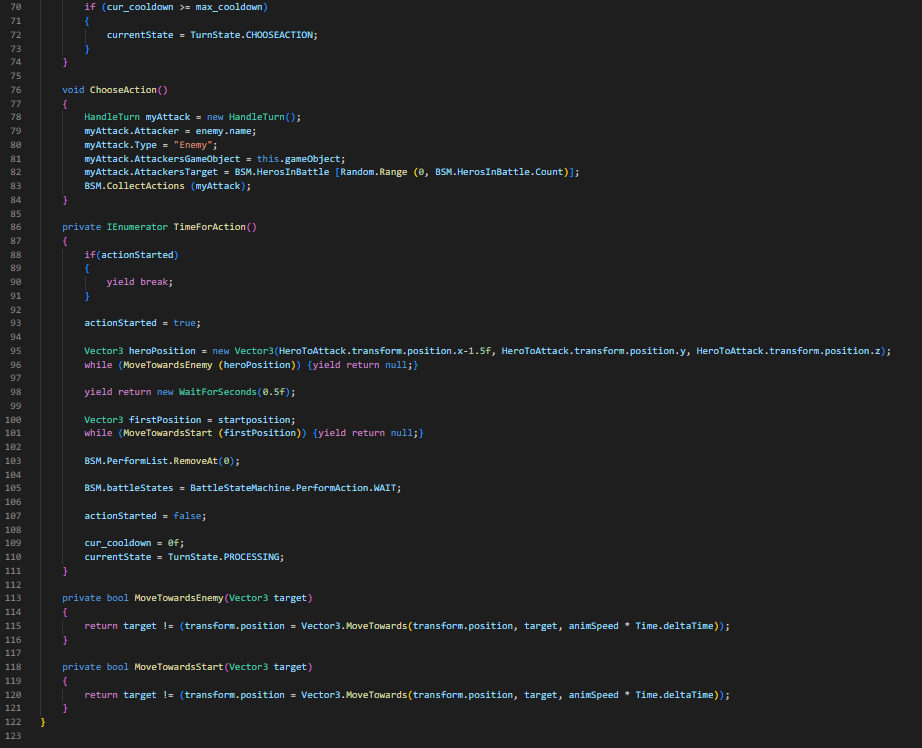
This script is used to control which action the enemy will commit as well as the speed and cooldown that the enemy possesses.

The rest of this script is used to move the enemy towards the hero it is attacking.

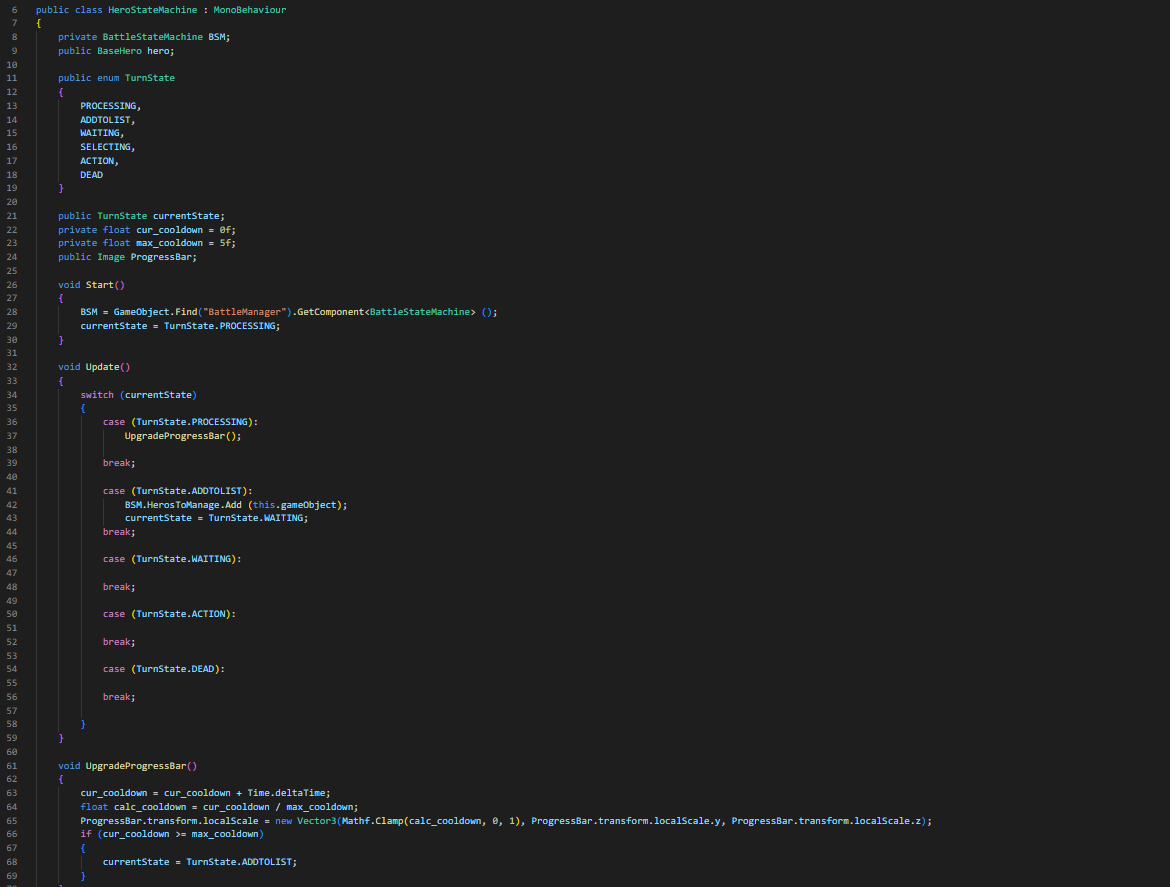
This script is used to control what state the hero is in and when it is that the hero will change state and what is needed to be looked at to determine that.

Categories
Development Log

Asset Time!

Turn Based Models

I once again did something different when creating these in comparison to creating the scripts. With these I decided to use them more a downtime activity, creating them when I needed some away time from the excessive amount of coding. And instead of doing bits and pieces of each one I decided to focus on one entire game each before moving onto the next games assets.

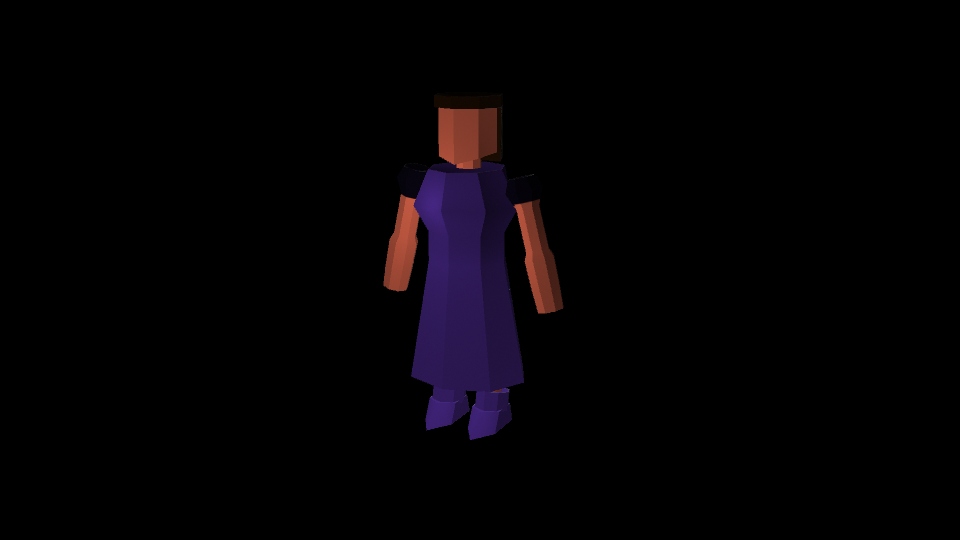
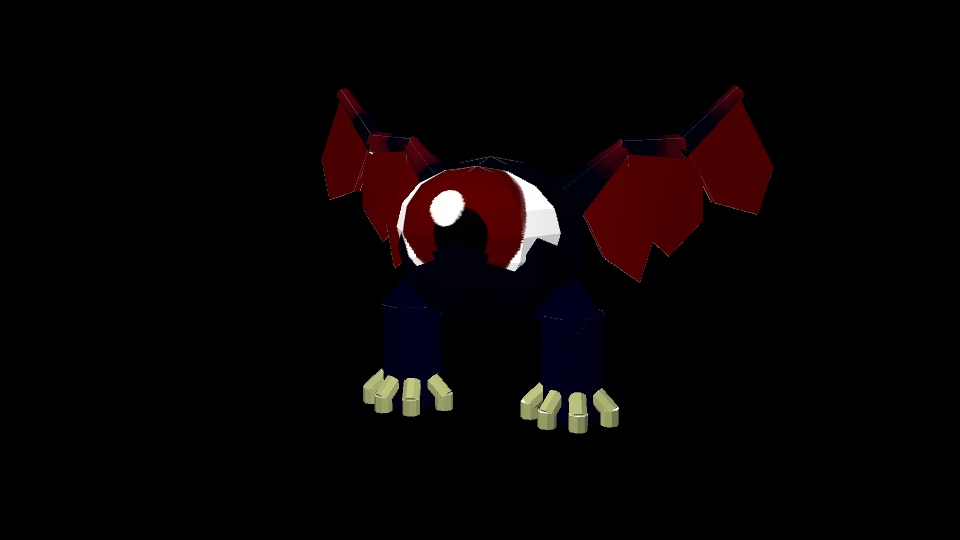
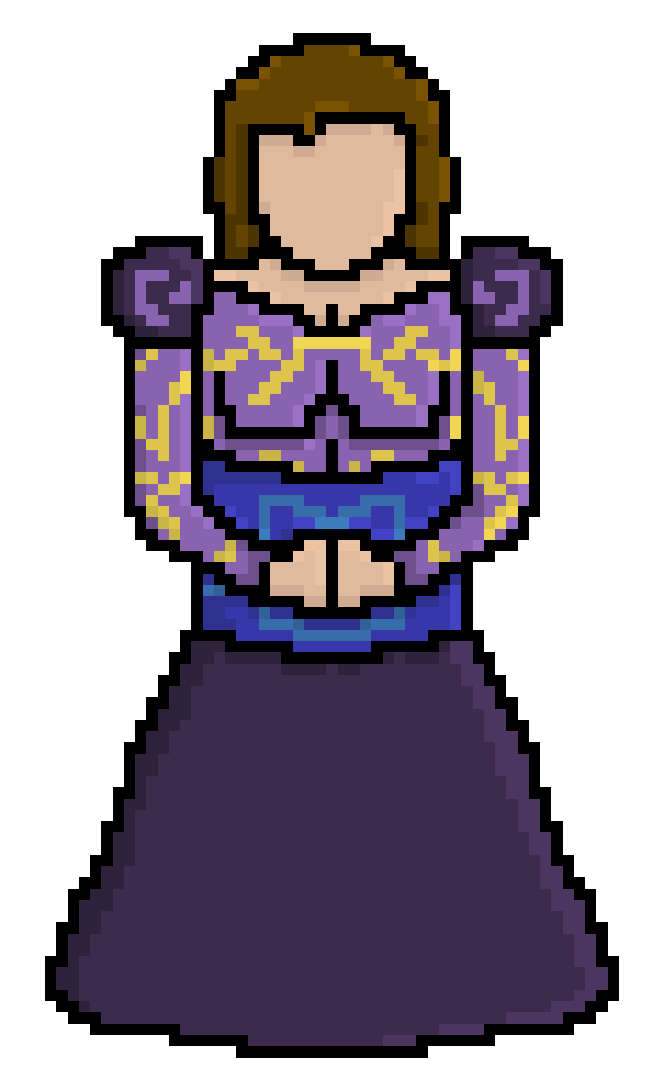
For the time being I have created the assets for the 3D Turn Based Combat. These consisting of multiple 3D models; a knight, a princess, the boss, the back walls and the knights weapons (Sword and gun).


Categories
Development Log

Time for Coding

Coding Begins

To start with my project I knew that I was going to be doing a lot of coding as I was planning on making the entirety of this game within unity. Not only that but with having 4 different types of games in the mix as well each one of them were going to require there own controllers and scripts, which as I stated was going to be a lot of coding.

I started off originally with tackling a little bit of each game all at once, attempting to keep my interest constantly changing as to attempt to not get burnt out on any of the games.

Turn Based Scripting

This piece of script is to assist with adding stats to the hero’s that you play as.

With this game I was mainly trying to get the UI sorted out as well as the implementation of the models to have the layout sorted out. After which I am planning on sorting out the attacks and damage of this. I feel like with this game I’m going to have to make multiple separate scenes to allow me to get the progression across in the way that I imagine.

FPS

With this game I felt as though the original base controller for unity wouldn’t quite work as smoothly as I would like to have my game to be running. So, I decided to create my own controller for the game which, if I wanted too, would allow the use of a gamepad instead of mouse and keyboard. Although for this overall game I felt as though it was a better idea to keep it mouse and keyboard throughout.

Platformer

This piece of script is used to move the actual player itself.

With the coding for this game I used the skills that I learnt throughout the first and seconds years and re-applied some of the lessons we learnt to create a simple movement script for the 2D character as well as sorting out the script for the Cinemachine to work with following the character.

TopDown

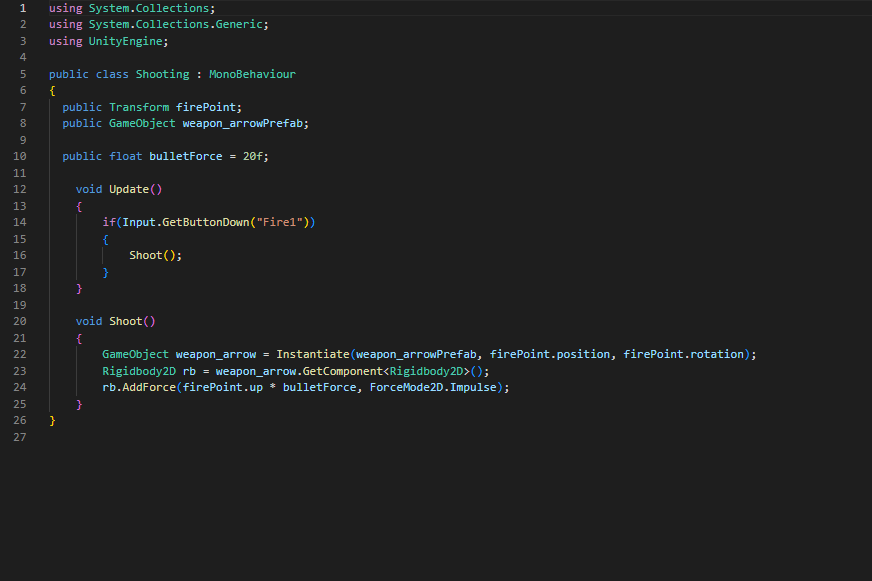
This piece of code is used to not only create the bullet but is also used to shoot the bullet out.

Once again I used my previously learnt skills to create these two scripts consisting of a shooting script as well as a movement script were the characters facing will always be the same as the direction of the mouse.

Categories
Development Log

Assets Done :)

Assets Finished

As the title of this post suggest I finally got all of my assets completed.

This consists of all of the assets from all 4 games.

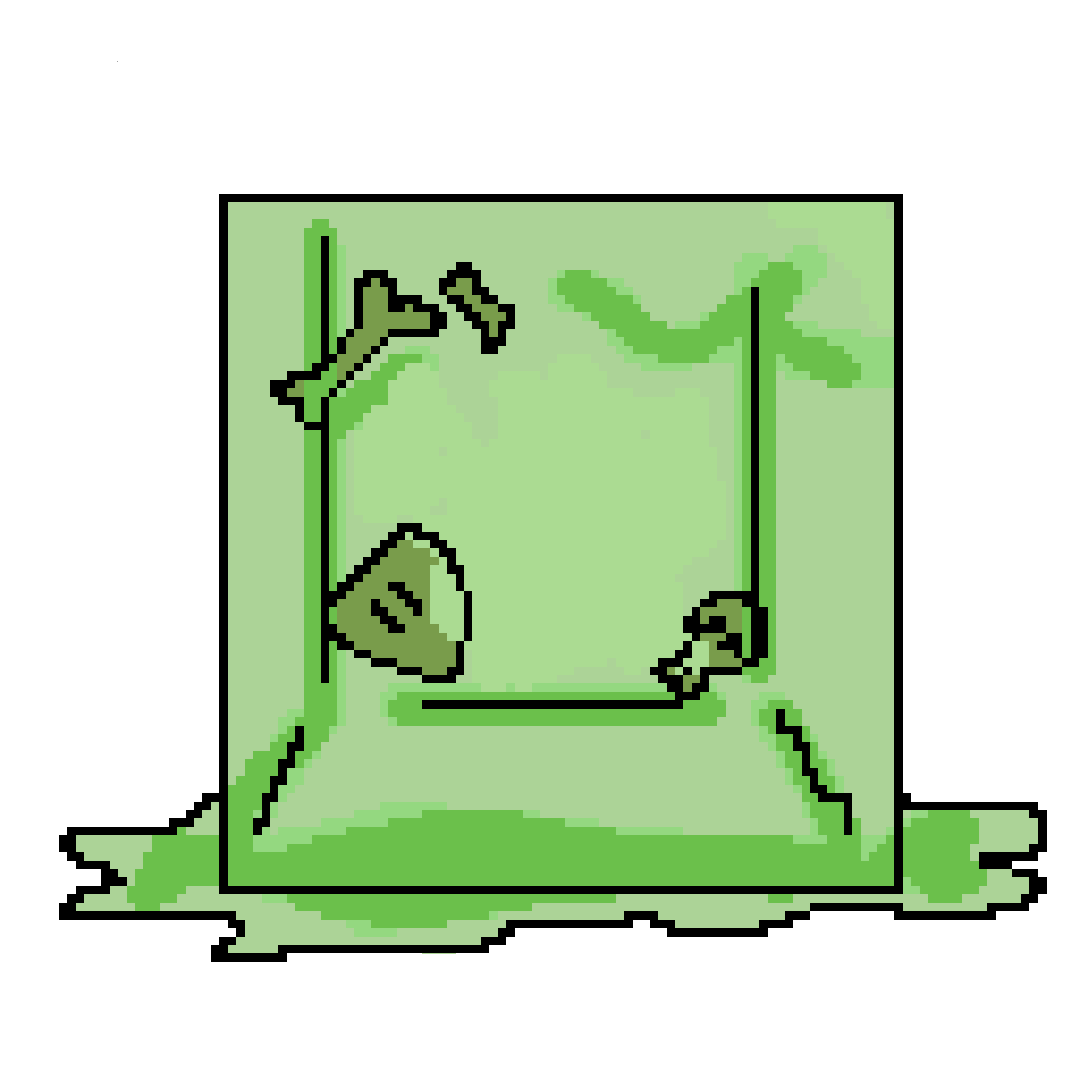
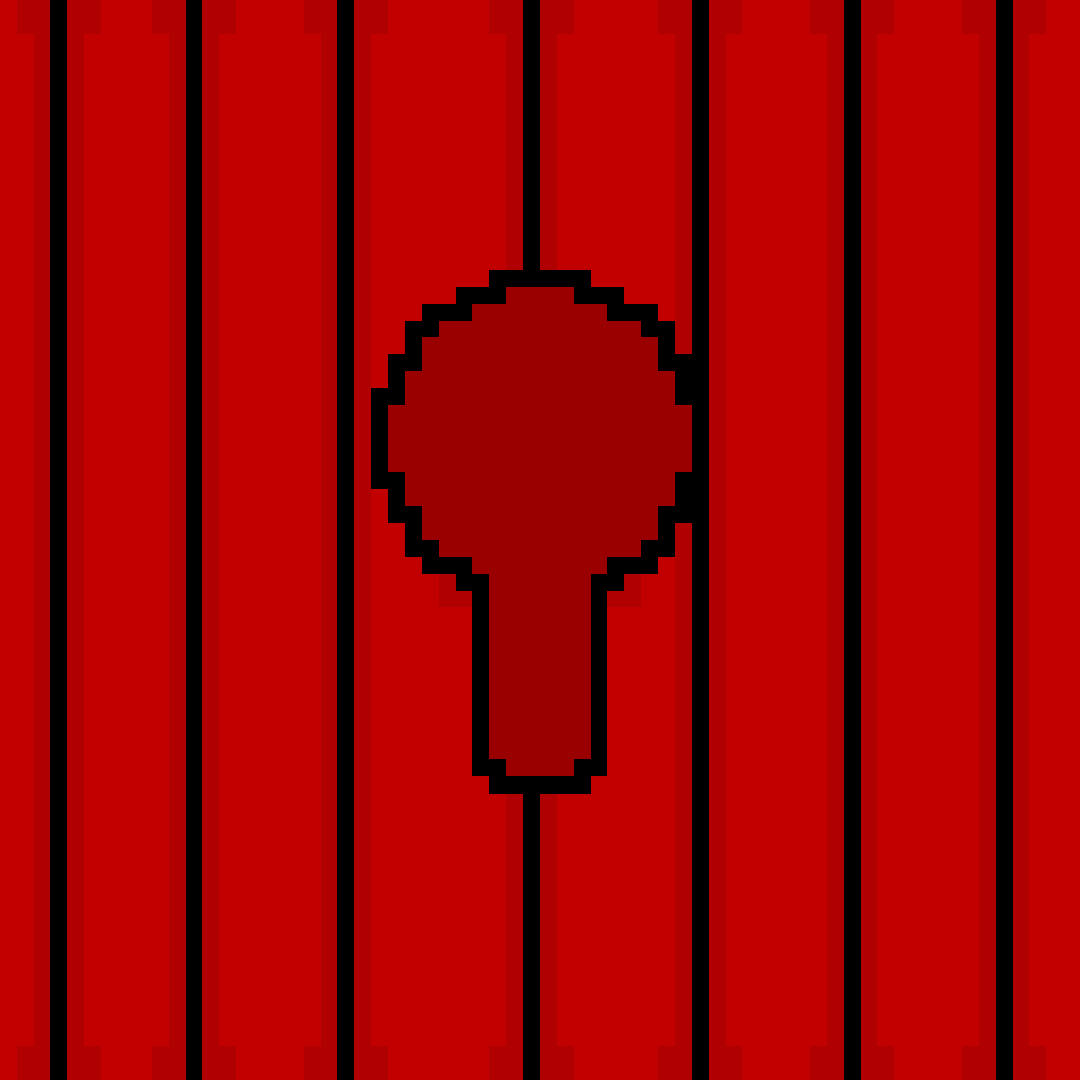
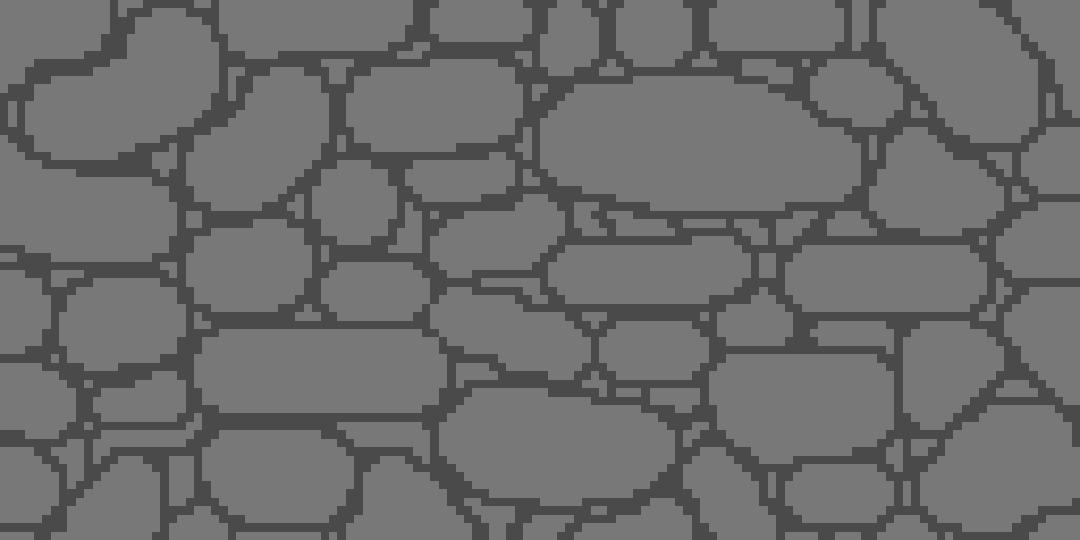
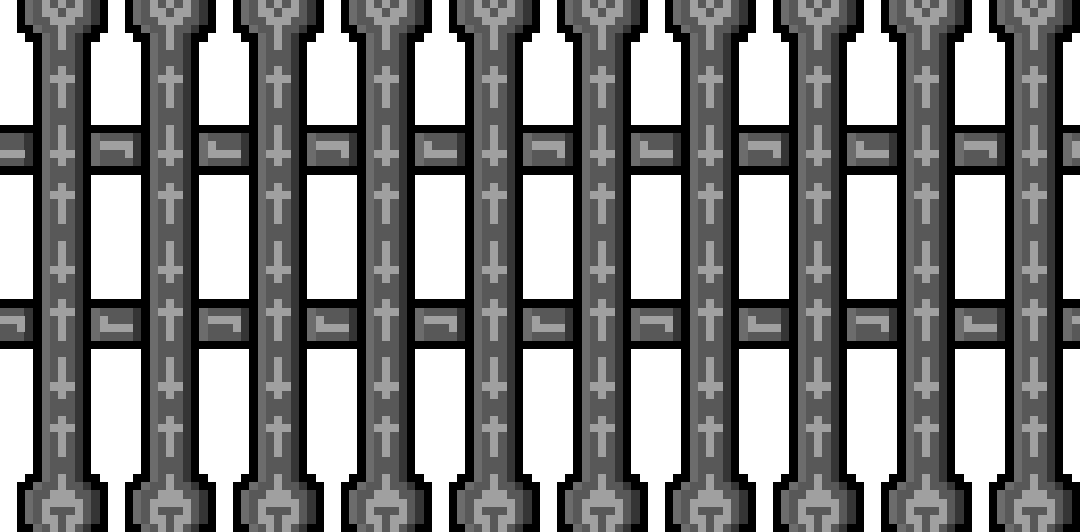
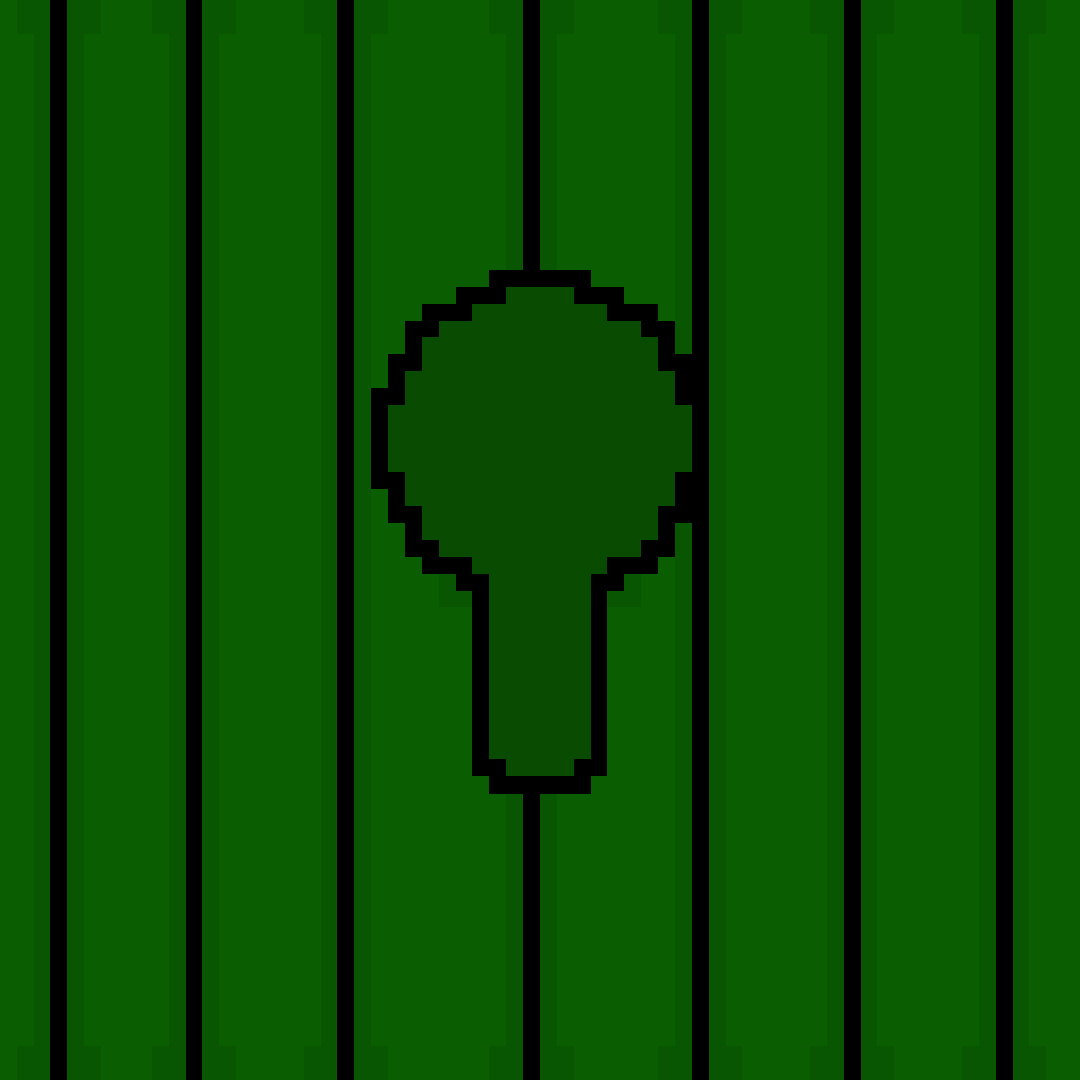
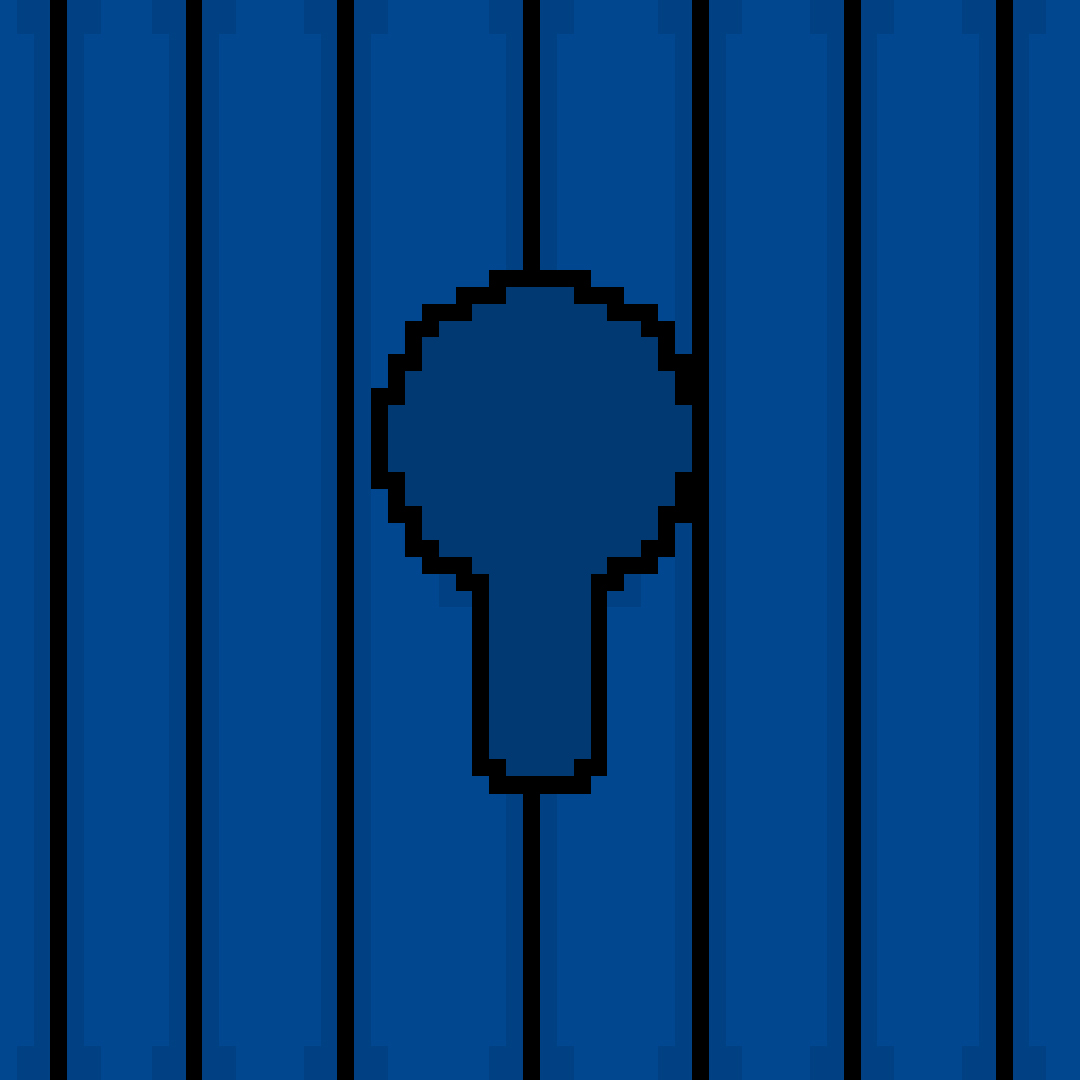
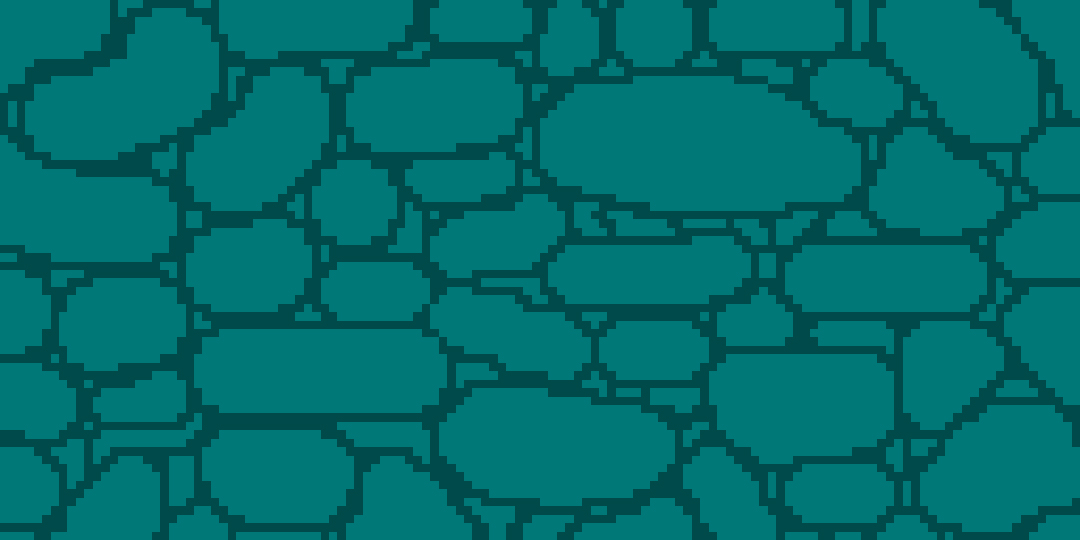
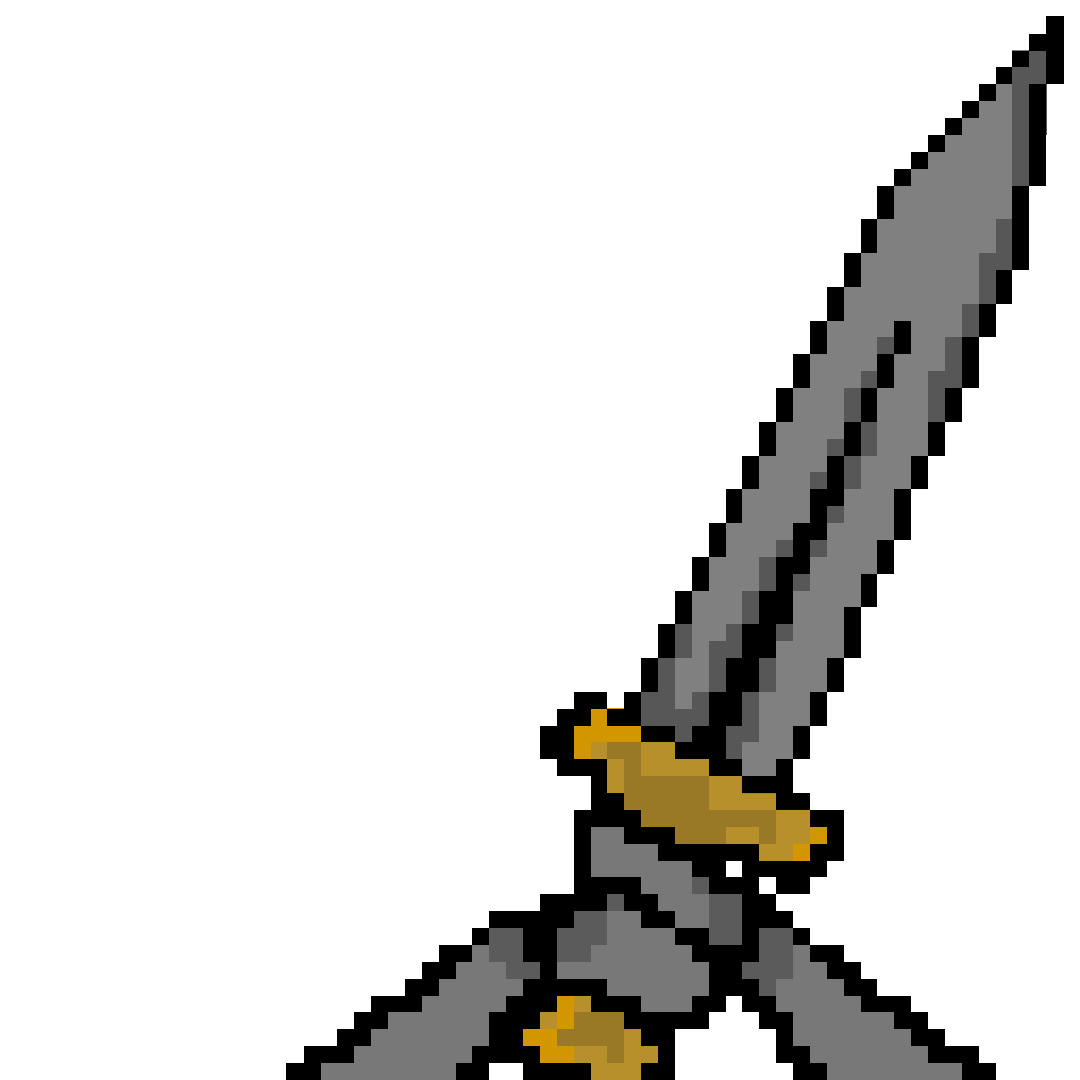
The images above are for the first person shooter. To start off, the slime that you see as the first image is the enemy type of this fps. The ones with key holes are the doors that will be used to block the way forward to the princess locked inside. The forth image is of the princess or at least what she looks like within this world, you will find her held against her will within a prison cell (Image 5), screaming for help (Image 6) and hoping that someone will come to her rescue. The key sprites are exactly that, keys, they’ll be used to unlock there corresponding coloured door. Image 10 is the HUD that you will see within the game, this will represent the health you’re at and the weapon that you have equipped. Image 12 is that of a recoloured version of image 3, and instead of being used as a floor is used as water that damages the player, the texture is reused as it is a very common thing to do in video games of that era due to there limitation on space within the game cartridge. Image 14 is that of the walls within this dungeon. And finally Image 15 is the weapon of which the knight possesses to fight the evil slimes of this dungeon.  

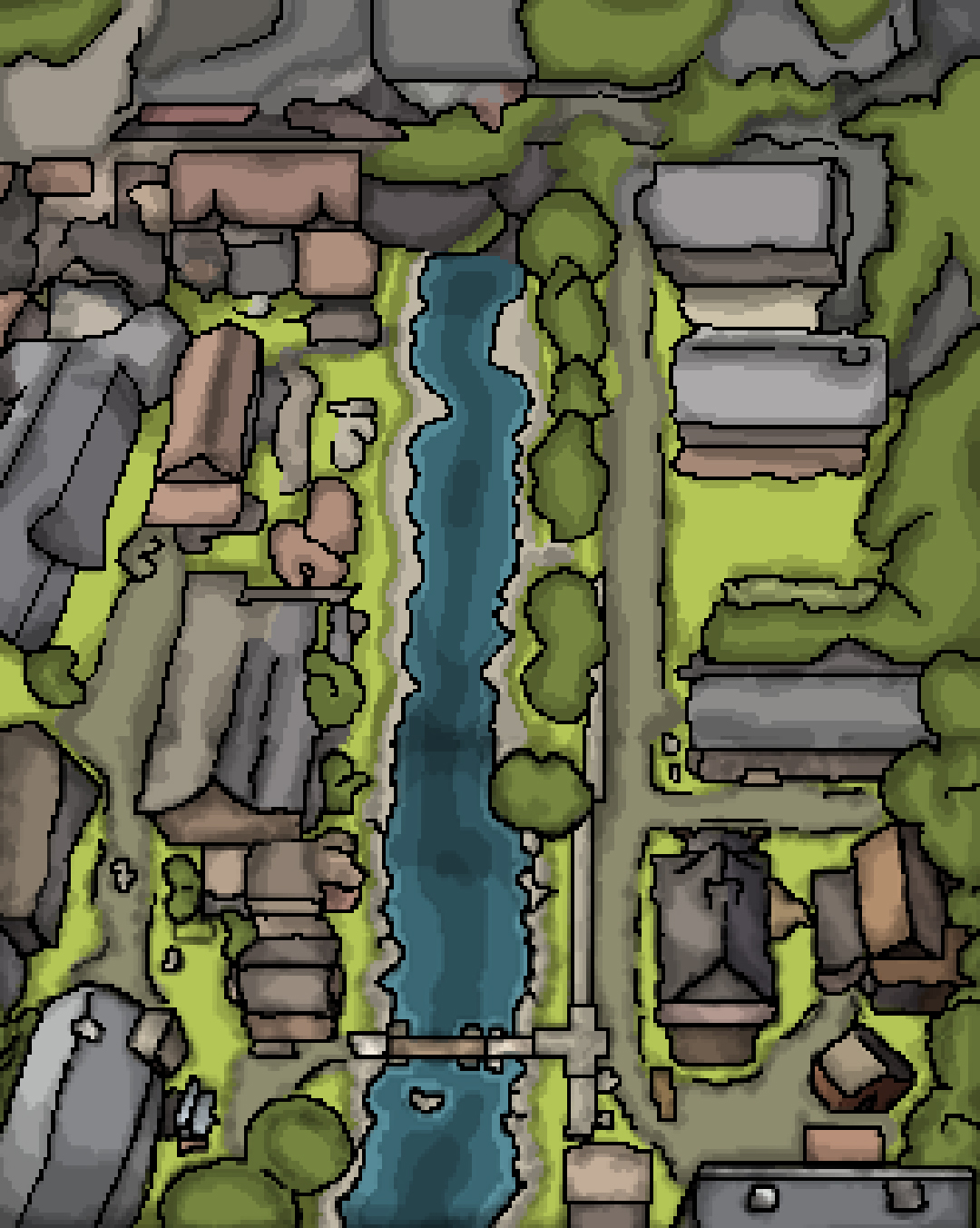
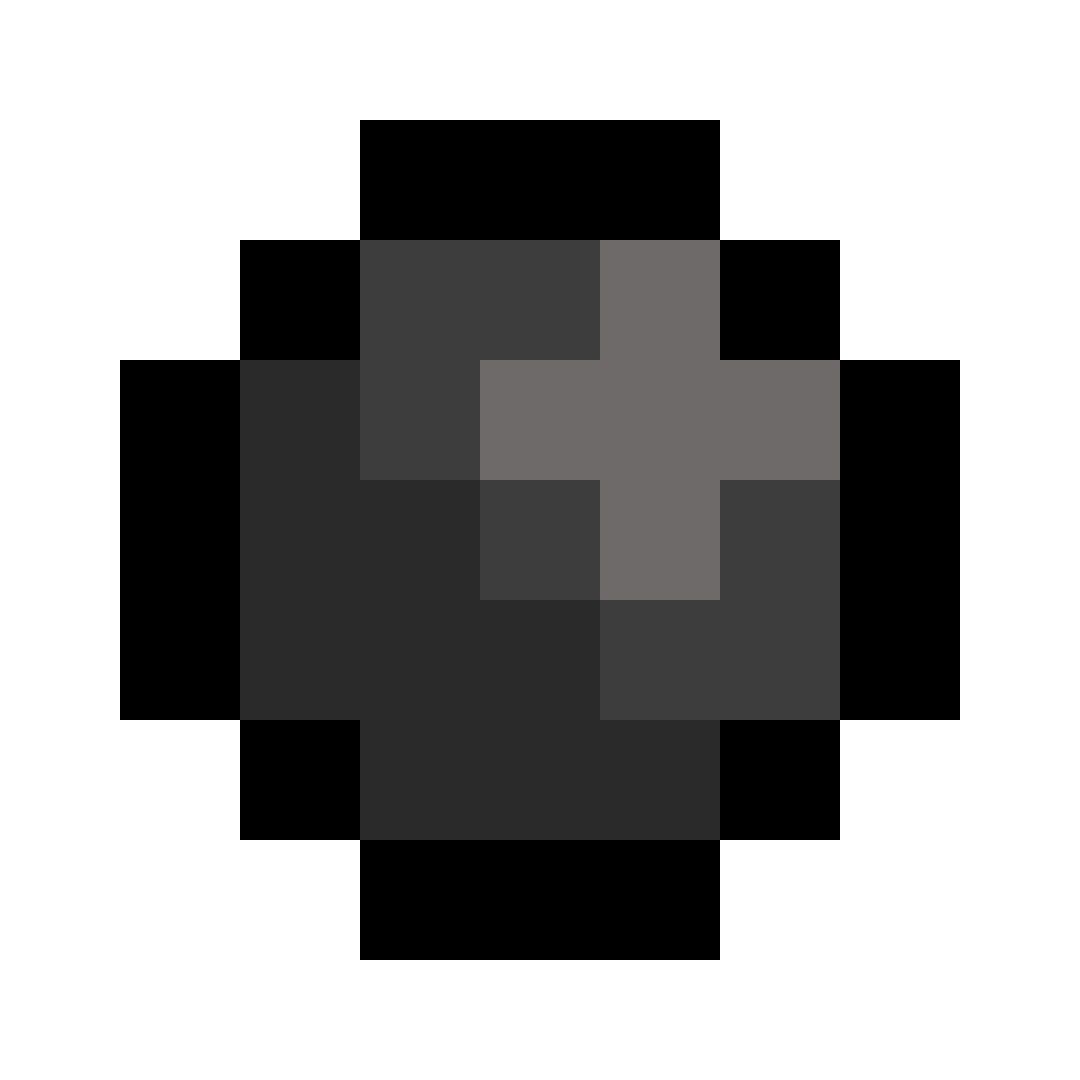
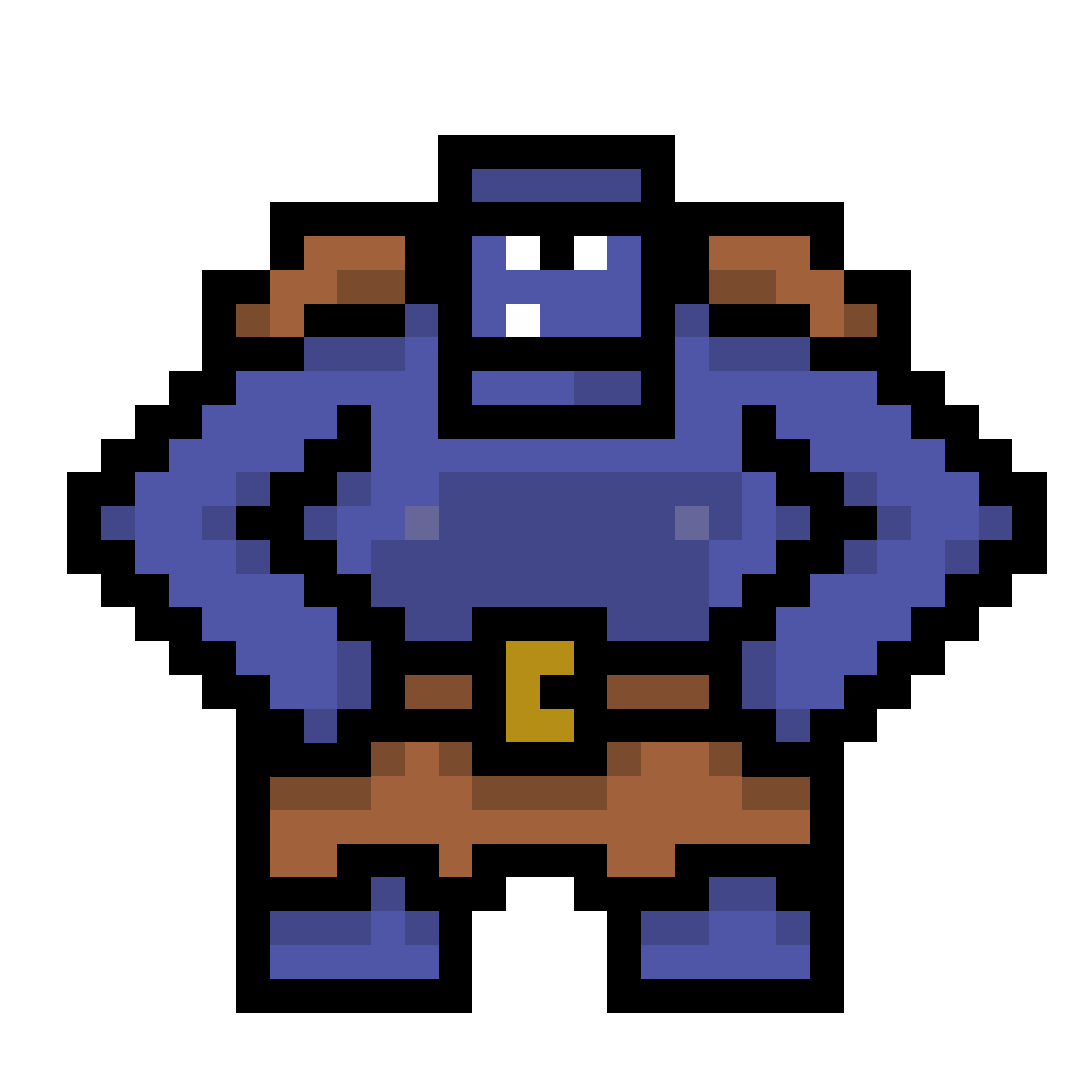
The assets above this are used within the top down shooter. The first image is that of the map that you’ll progress around as you attempt to find portal. The second image is a bullet that gets fired out of the flintlock that the knight possesses whilst in this world. The third and forth images are the enemies within this world that seem to have taken over this village and are attempting to stop you from getting to the portal. Lastly the fifth image is that of the knight, who appears to have gained a flintlock within this world.

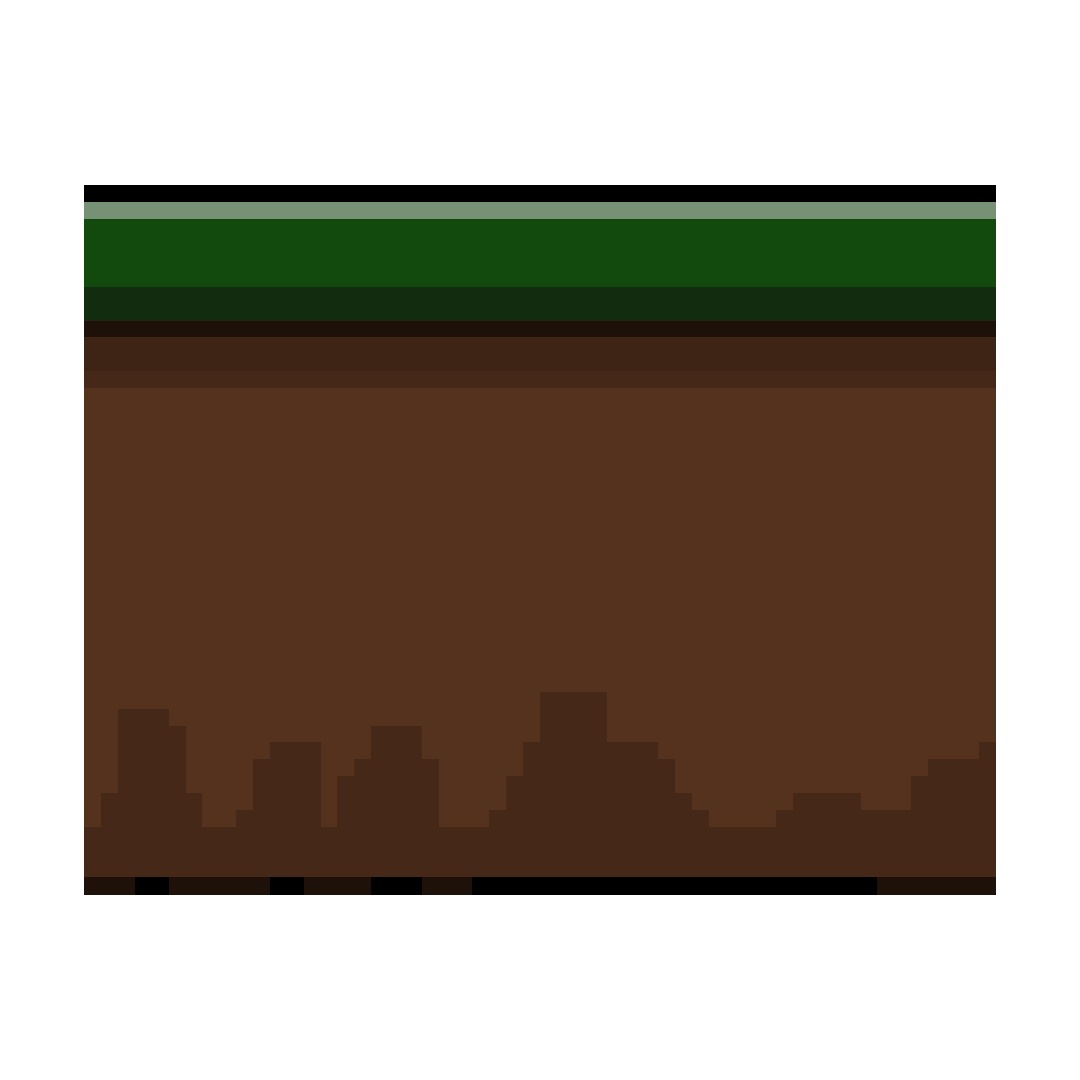
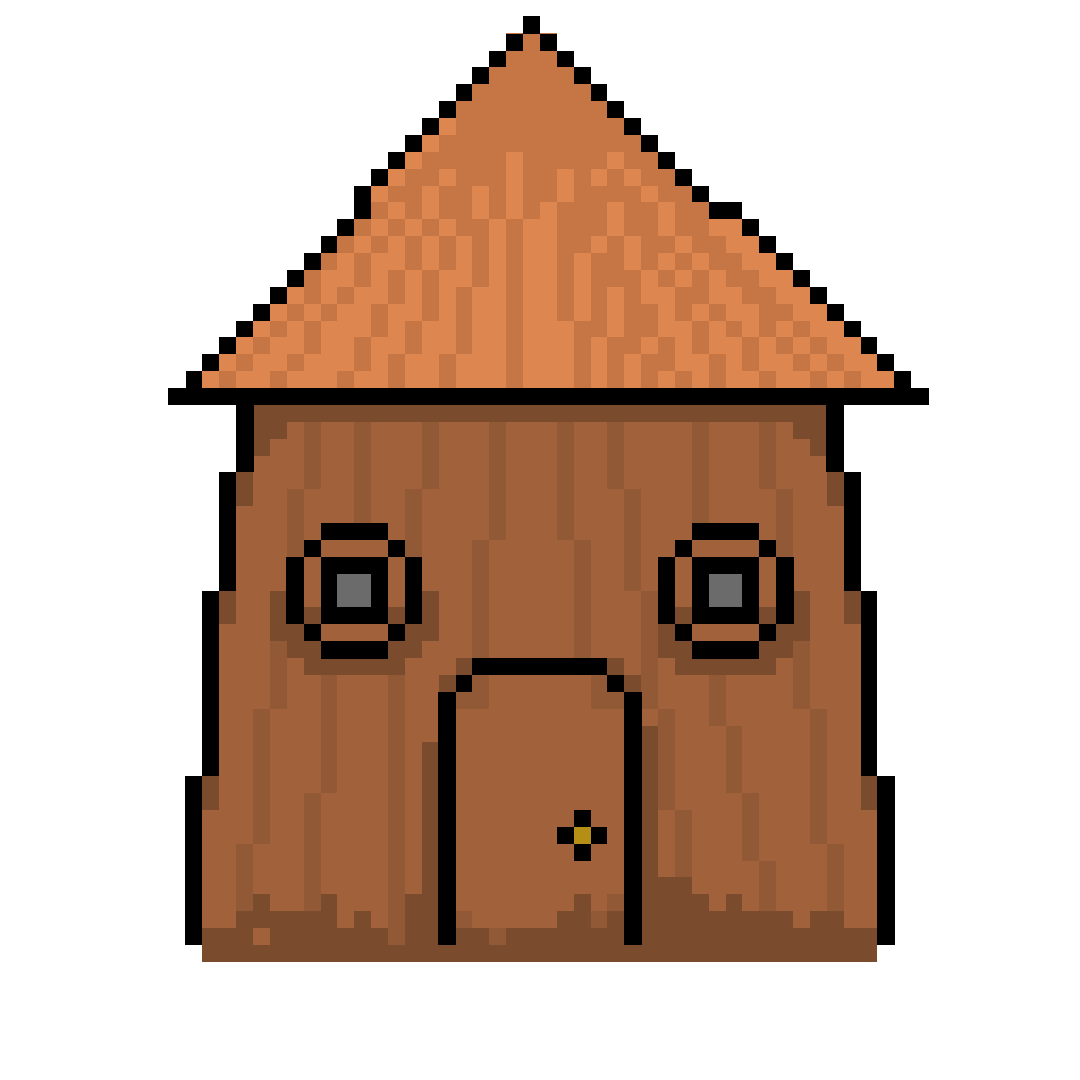
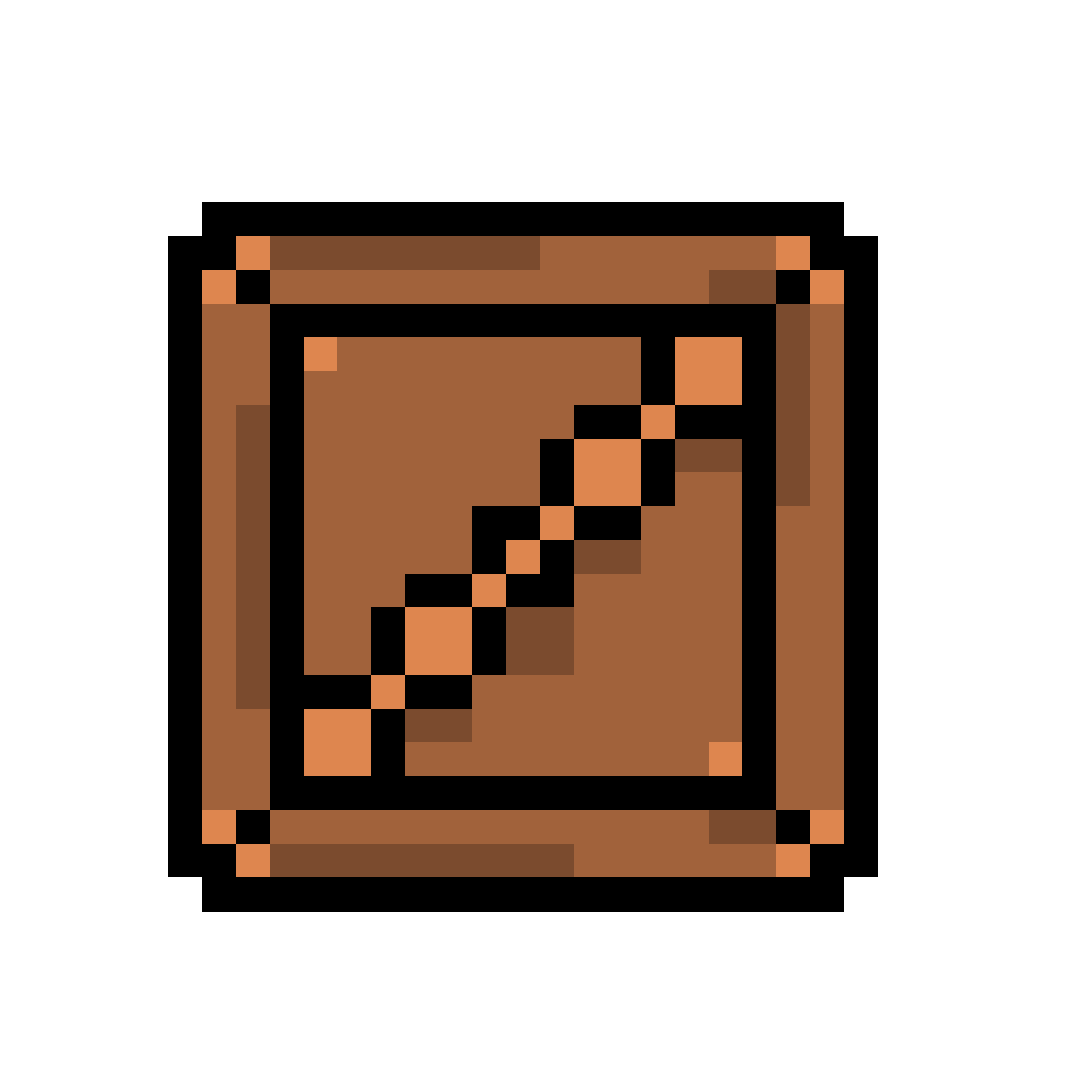
The assets above are used and created for the side scroller game, which is inspired by super mario brothers. The first and second images are different types of floors which are used within the level, the first one being used for the village and the second one being used for the grounds around the village. The third image is one of the building that are within the village. The forth image is a platform which is being used by pigeons (No pigeons were harmed within the creation and use of this asset). The fifth and sixth images are the enemies that are attacking the village and once again attempting to stop you from escaping. Lastly the seventh image is that of a crate, this is used not only to climb on but is used to store things as well.